
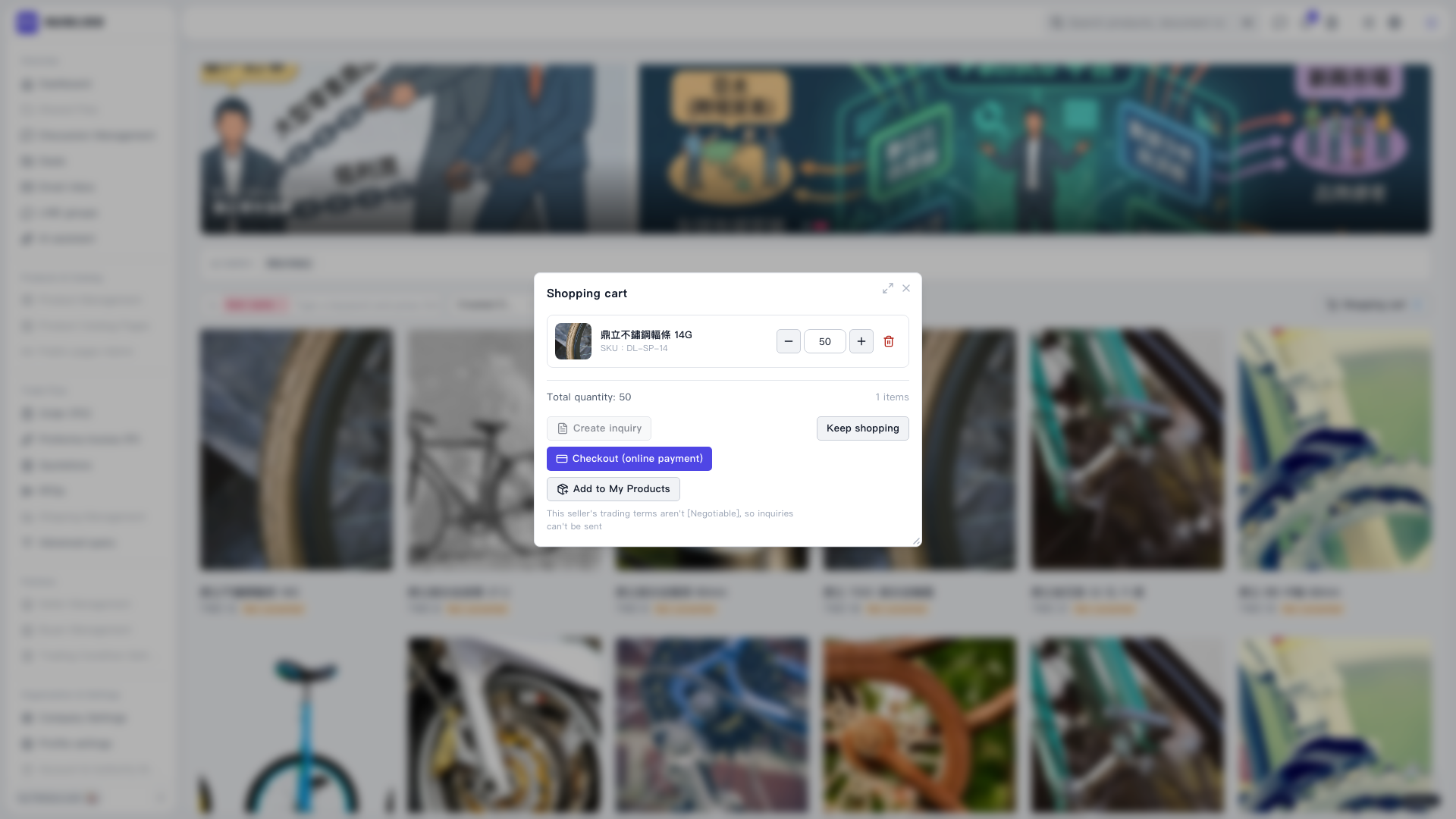
1. Check the product names and SKUs in the shopping cart. 2. Click “−” or “+” on the right side of each product row to adjust the quantity, then check “Total quantity.” To remove an unwanted product, click the trash icon. 3. After confirming the products and quantities, click “Checkout (online payment)” to start the online payment checkout process. 4. To continue shopping, click “Keep shopping” to return to the product catalog.
 V5 新桌面版|購物車(Shopping cart)