
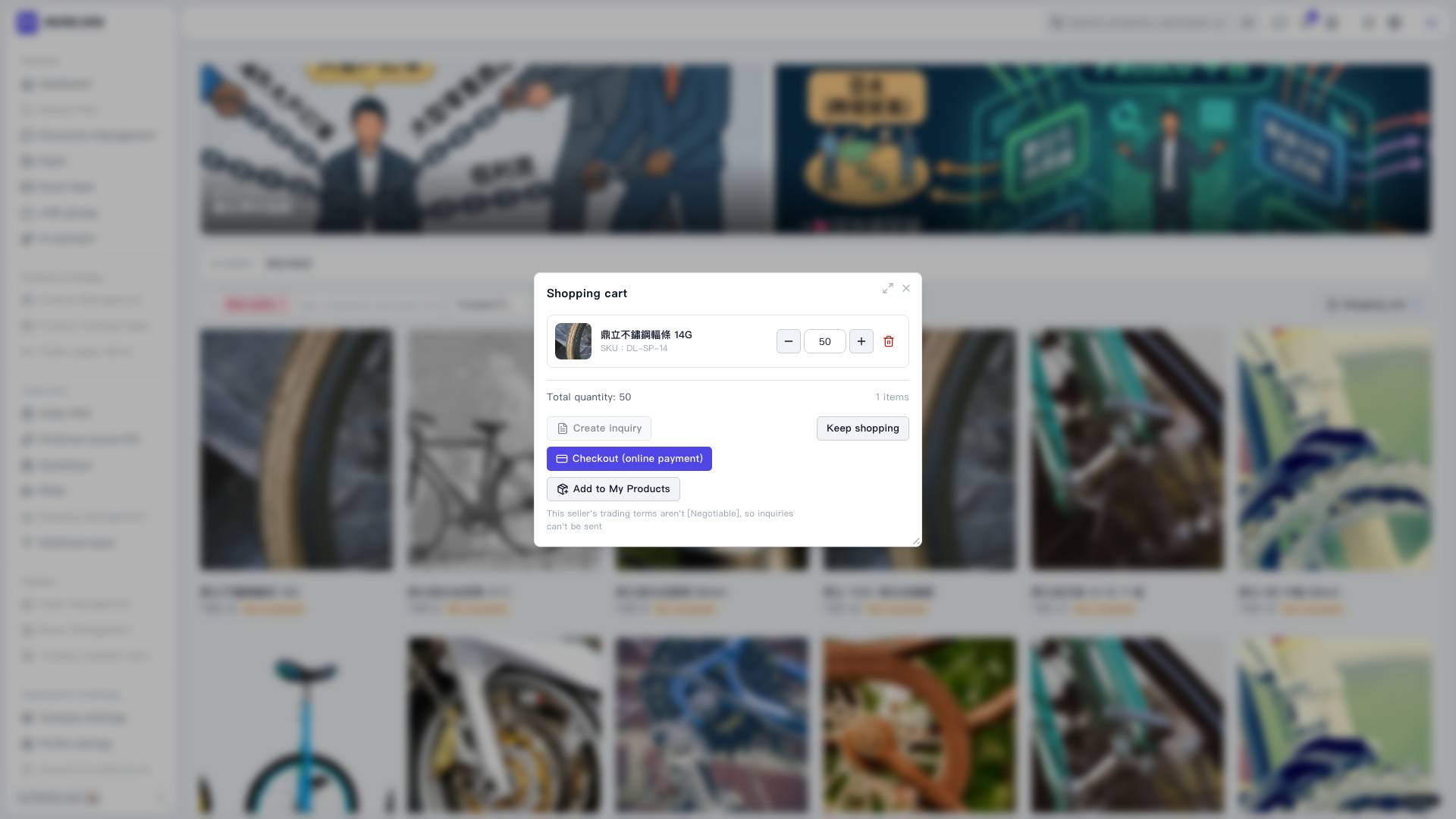
1. Check the product names, SKUs, and quantities. Use “−” or “+” to adjust quantities, or click the trash icon to remove a product. 2. Check “Total quantity,” then click “Checkout (online payment).” 3. In the confirmation window, check the payment method (PAYUNI), items, and total quantity, then click “Create PI and proceed to payment.” A PI will be created on the seller’s side, you will receive a PI copy, and the payment page will open in a new tab. 4. Once created, the PI is retained even if you have not paid yet. You can later click “Pay online” on the PI copy page to continue payment.
 V5 新桌面版|購物車(Shopping cart)