
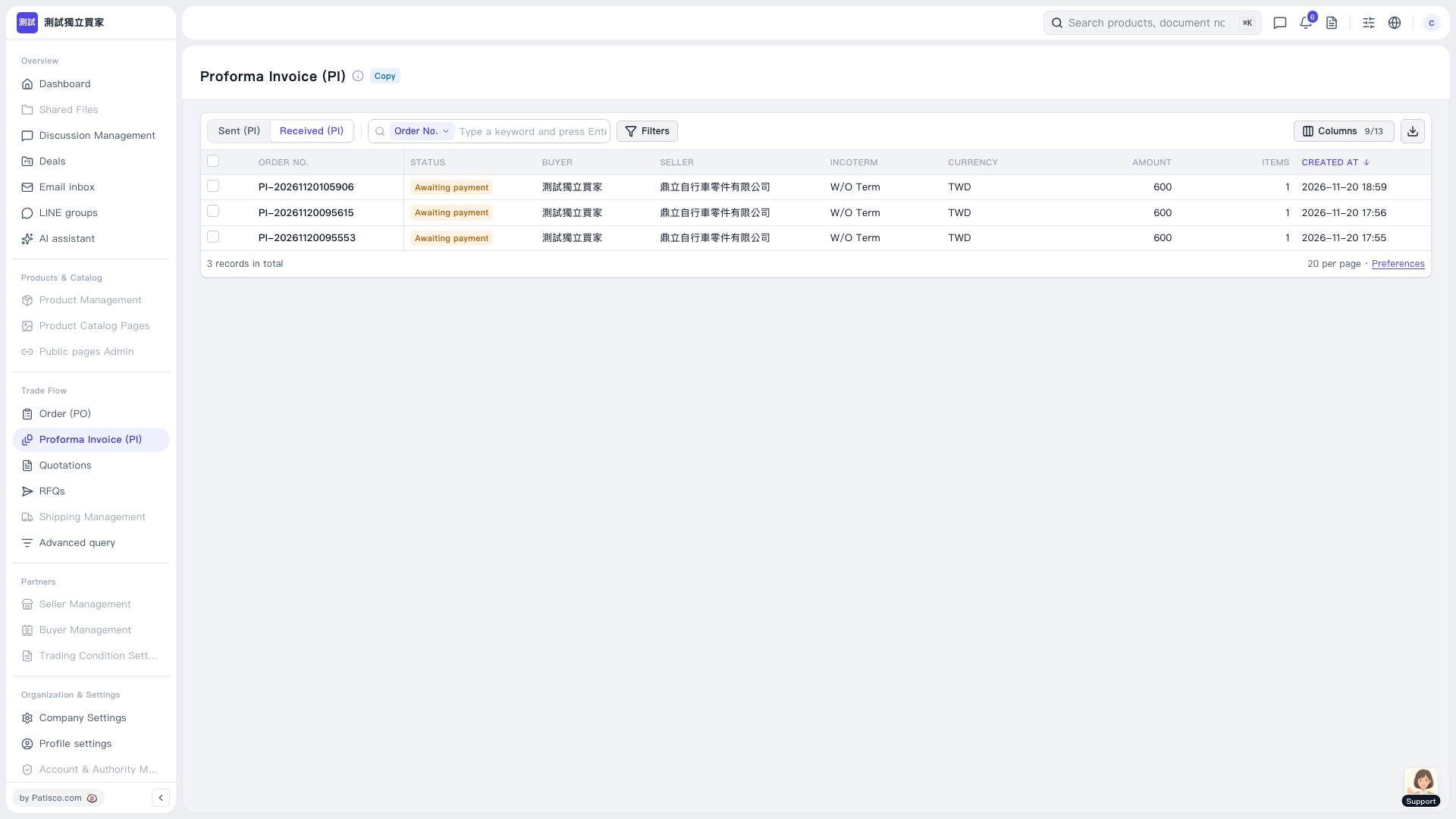
1. On the “Proforma Invoice (PI)” page, click [Received (PI)] to view received PIs, or [Sent (PI)] to view sent PIs. 2. Select [Order No.] in the search bar, enter a document number keyword in the [Type a keyword and press Enter] search box, then press Enter to search. You can also use [Filters] to set filter criteria. 3. In the list, check [STATUS], the buyer and seller, currency, and amount, then click the document number link in the [ORDER NO.] column to open the PI.
 V5 新桌面版|Proforma Invoice (PI)