
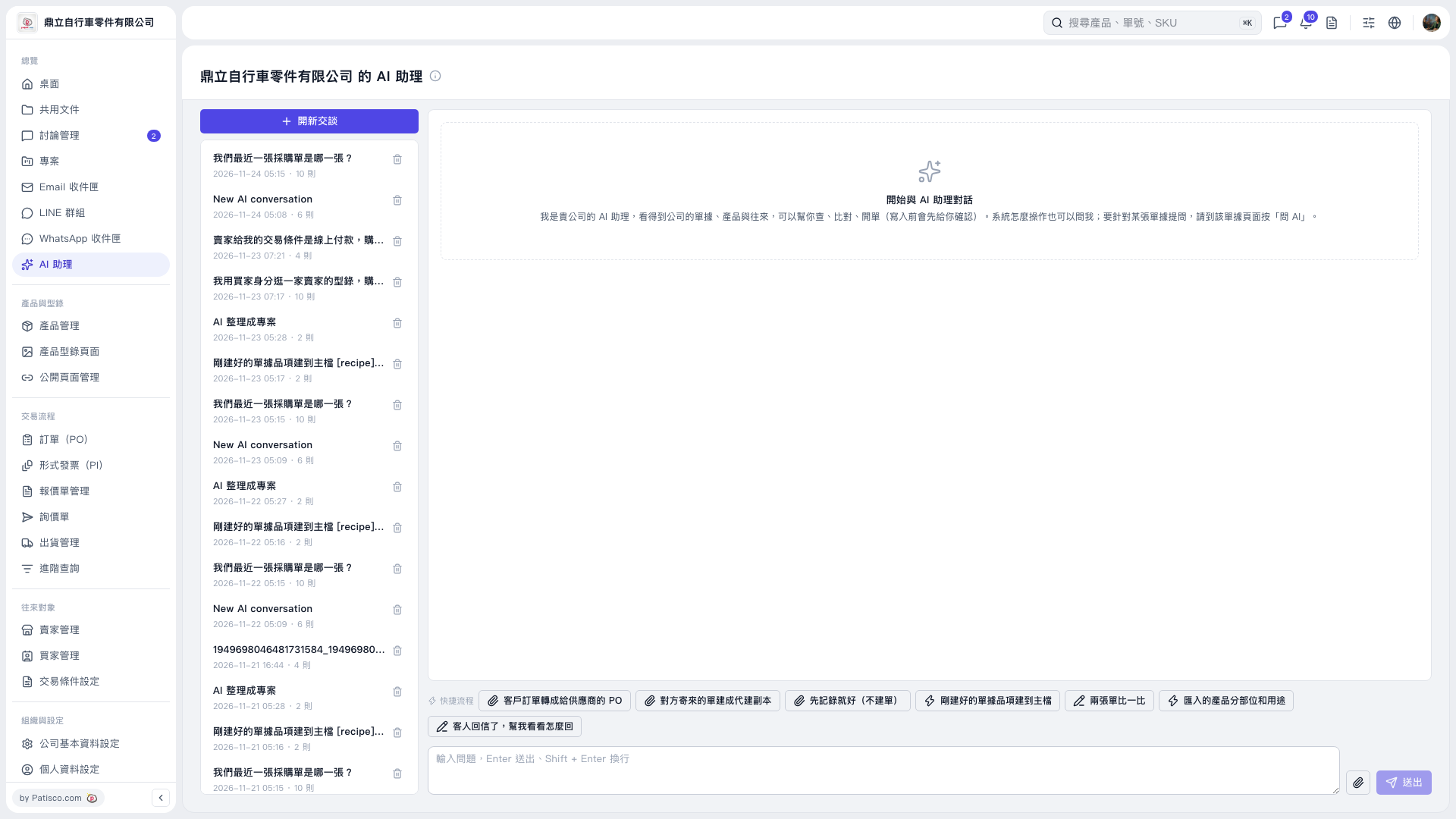
1. Above the message input box in the AI assistant, select a shortcut workflow as needed: “Convert a Customer PO into a PO for the Supplier,” “Create a Copy on Behalf of the Other Party from Their Document,” “Just Record It (Do Not Create a Document),” “Add Items from the Newly Created Document to the Master Data,” “Compare Two Documents,” “Classify Imported Products by Part and Use,” or “The Customer Replied—Help Me Respond.” 2. Add details about your request in the message input box. Click the paperclip icon if you need to attach a file. 3. Click “Send” or press Enter to send. Press Shift + Enter to insert a line break. 4. If the workflow involves creating a document, follow the AI prompts to confirm the content before proceeding.
 V5 新桌面版|鼎立自行車零件有限公司 的 AI 助理