
1. At the upper left of the “PO” page, select “Sent (PO)” to view POs issued by your company, or select “Received (PO)” to view received POs. 2. Select a search criterion above the list, such as “PO Number,” enter a keyword, and press Enter. You can also click “Filter” to narrow the results. 3. Once you find the PO, click its PO number to view its contents. 4. You can ask the AI: “What is the difference between Sent (PO) and Received (PO) on this page?” The AI will respond: “The Sent list shows POs issued by your company. Switch to ‘Received (PO)’ to view copies of POs issued to you by the other party.”
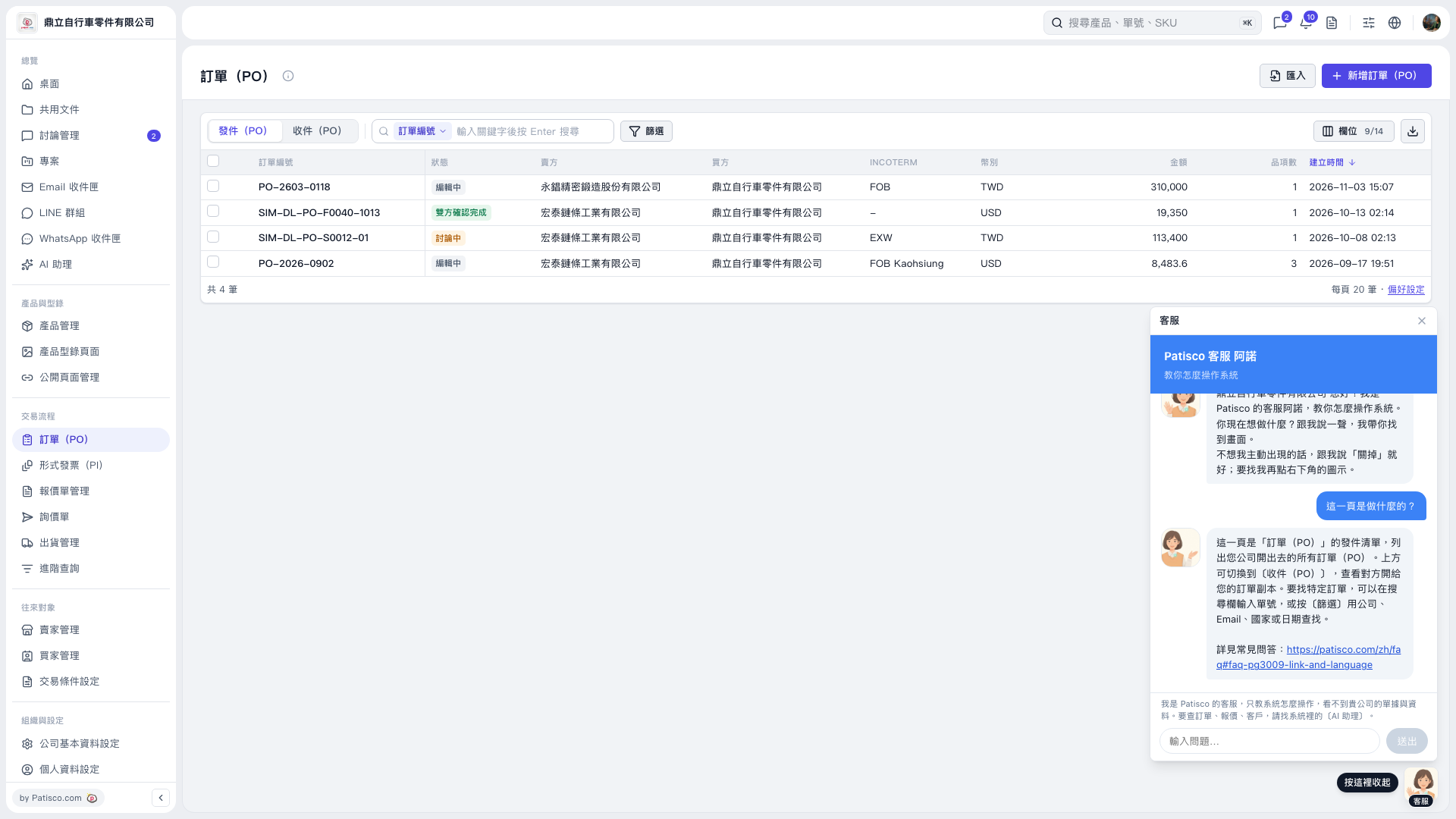 V5 新桌面版|訂單(PO)