
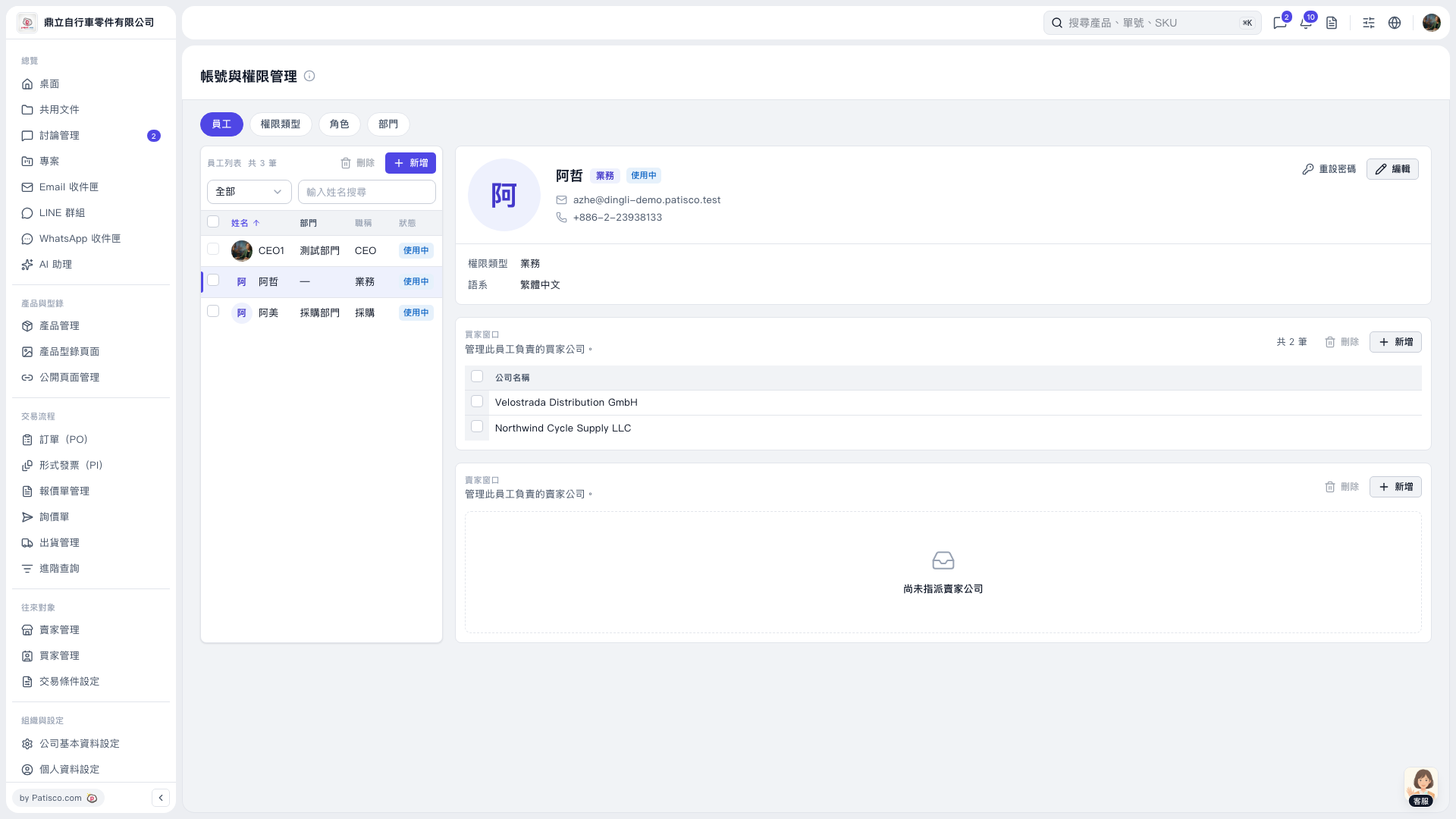
1. In the "Employees" tab under "Account and Permission Management", filter using the "All" dropdown, or enter the employee's name in "Enter a name to search". 2. Click the employee's row, find "Buyer Contacts" or "Seller Contacts" on the right, and click "Add" in that section. 3. The selection list shows "Company Name" and "Invitation Status". You can check statuses such as "Pending", "Accepted", or "Not Invited". Companies with the "Not Invited" status can also be selected. 4. If you only want to view the list, click "Cancel" to close it without adding any company assignments.
 V5 新桌面版|帳號與權限管理