
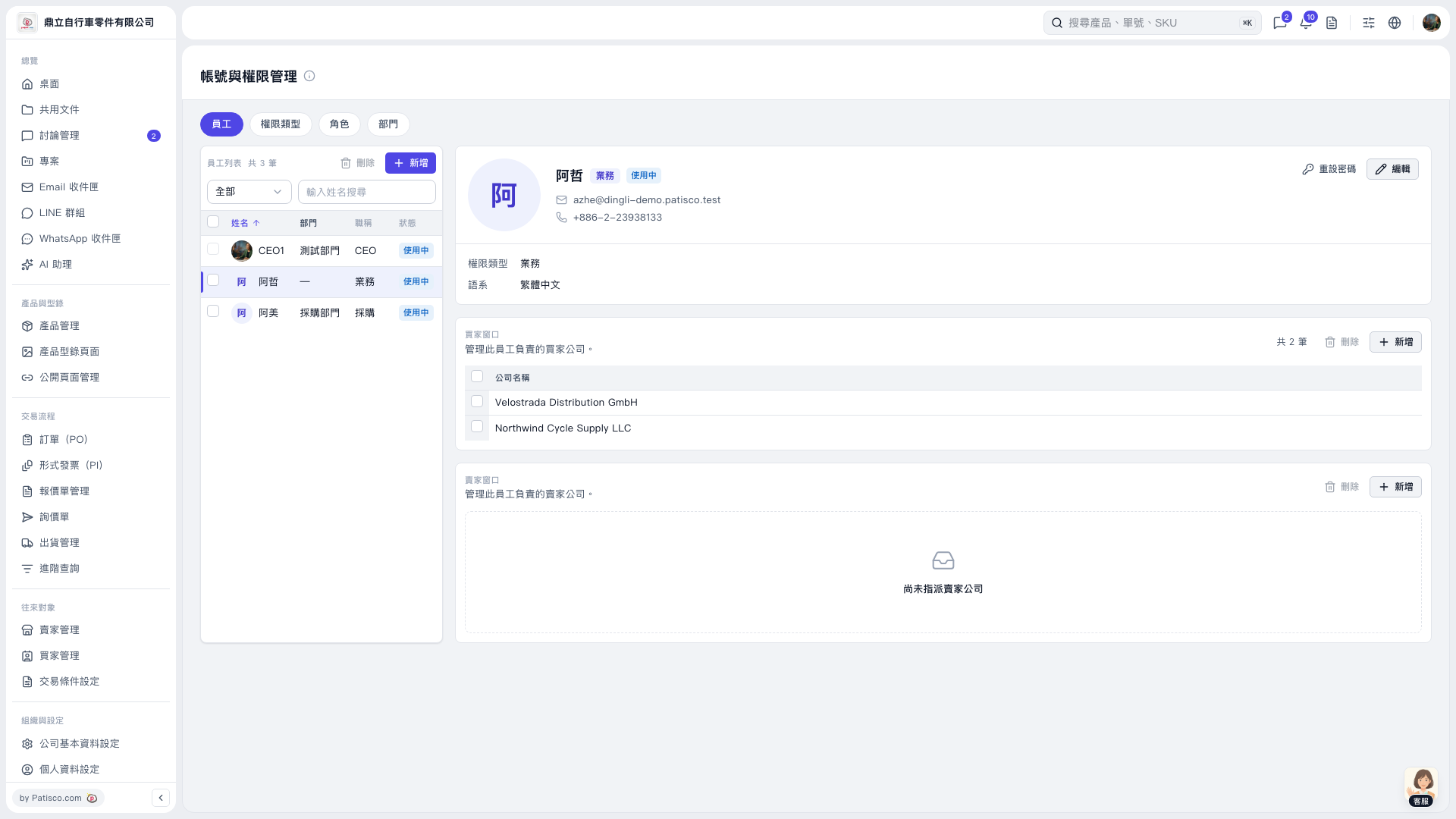
1. Yes. In the "Employees" tab under "Account and Permission Management", search for or click the employee you want to assign. 2. Click "Add" in the "Seller Contacts" section, select seller companies with the "Not Invited" status, then click the button showing the number of assignments to add. 3. The assignment is complete when "Added" appears and the company is listed under "Seller Contacts". This employee can view the company and its documents in "Seller Management".
 V5 新桌面版|帳號與權限管理