
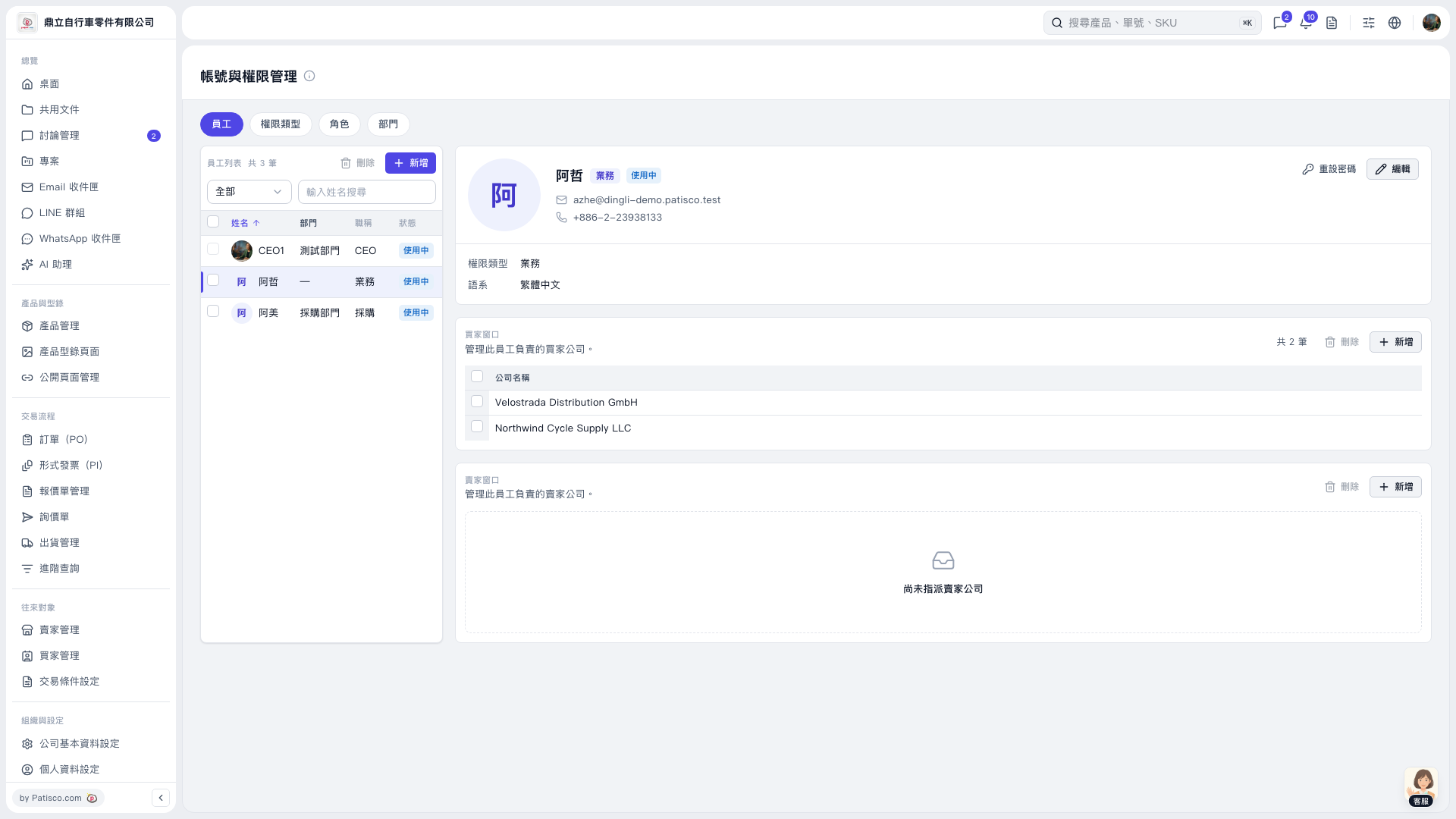
1. In the "Employees" tab under "Account and Permission Management", click the employee whose assignments you want to change. 2. In the "Buyer Contacts" or "Seller Contacts" section, select the companies whose assignments you want to remove, then click "Delete" in that section. 3. When removing seller contact assignments, clicking "Delete" removes them immediately without another confirmation, so check the selected companies first. After "Removed" appears, check the list to confirm that the company has been removed. If no seller companies remain assigned, "No seller companies assigned yet" is displayed.
 V5 新桌面版|帳號與權限管理