
1. Expand "Banner" under "Catalog layout" on the left side of the catalog editing page. 2. Turn on "Manual Image Switching (Show Left/Right Buttons)" so buyers can switch images using the left/right buttons or dots. When this is off, the banner cycles through images automatically. 3. Check the banner in the preview on the right, then click "Upload Changes" to publish your changes.
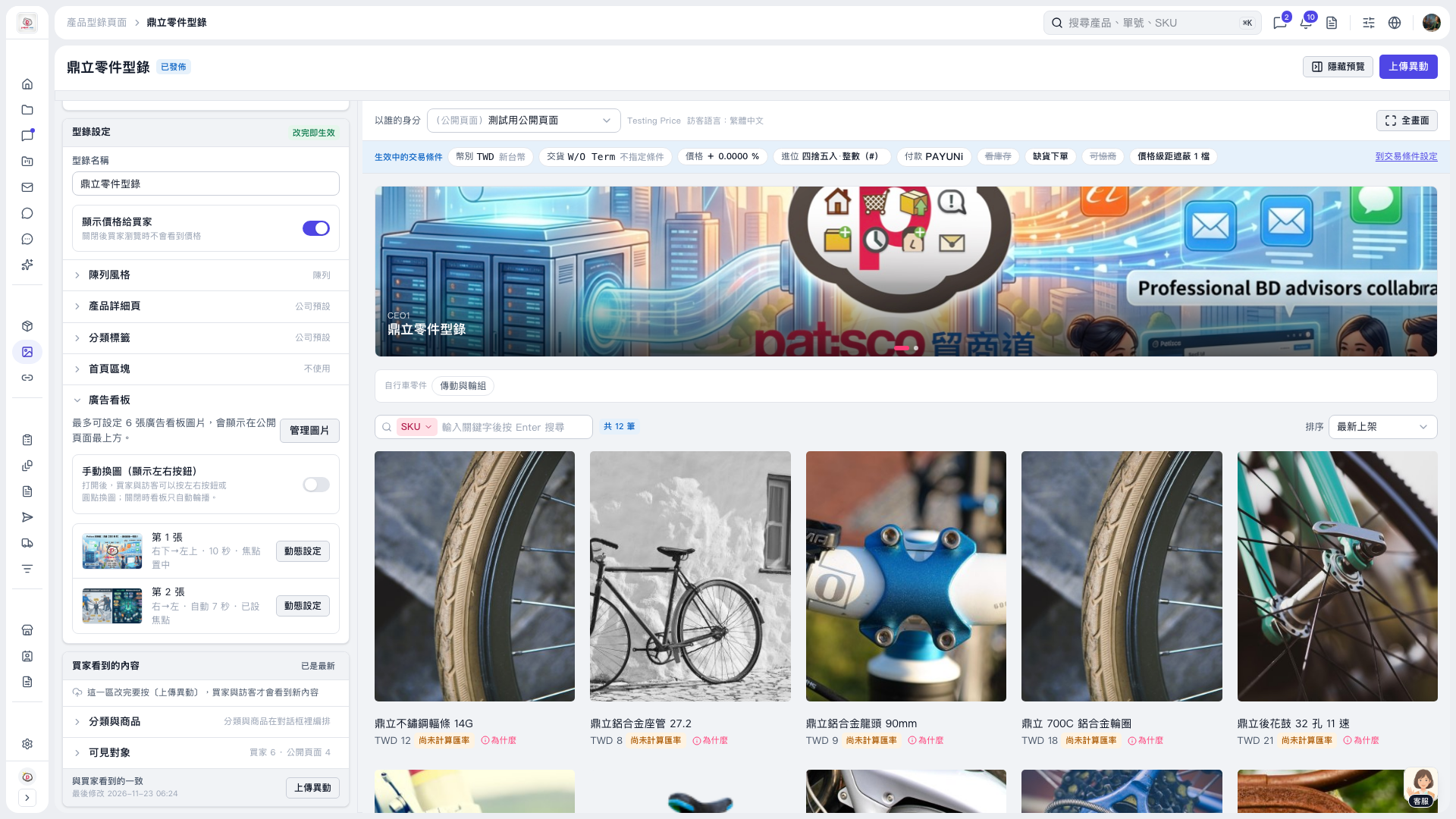 V5 新桌面版|鼎立零件型錄