
1. Click "Banner" under "Catalog layout" on the left side of the catalog page to expand its settings. 2. Click "View As" above the preview area and choose whose view you want to preview to check the corresponding catalog content and trading conditions. 3. Check the banner's appearance and animation effects. Click "Full Screen" if you need a larger view. 4. After confirming your changes, click "Upload Changes" in the upper-right corner so buyers and visitors can see the updated content.
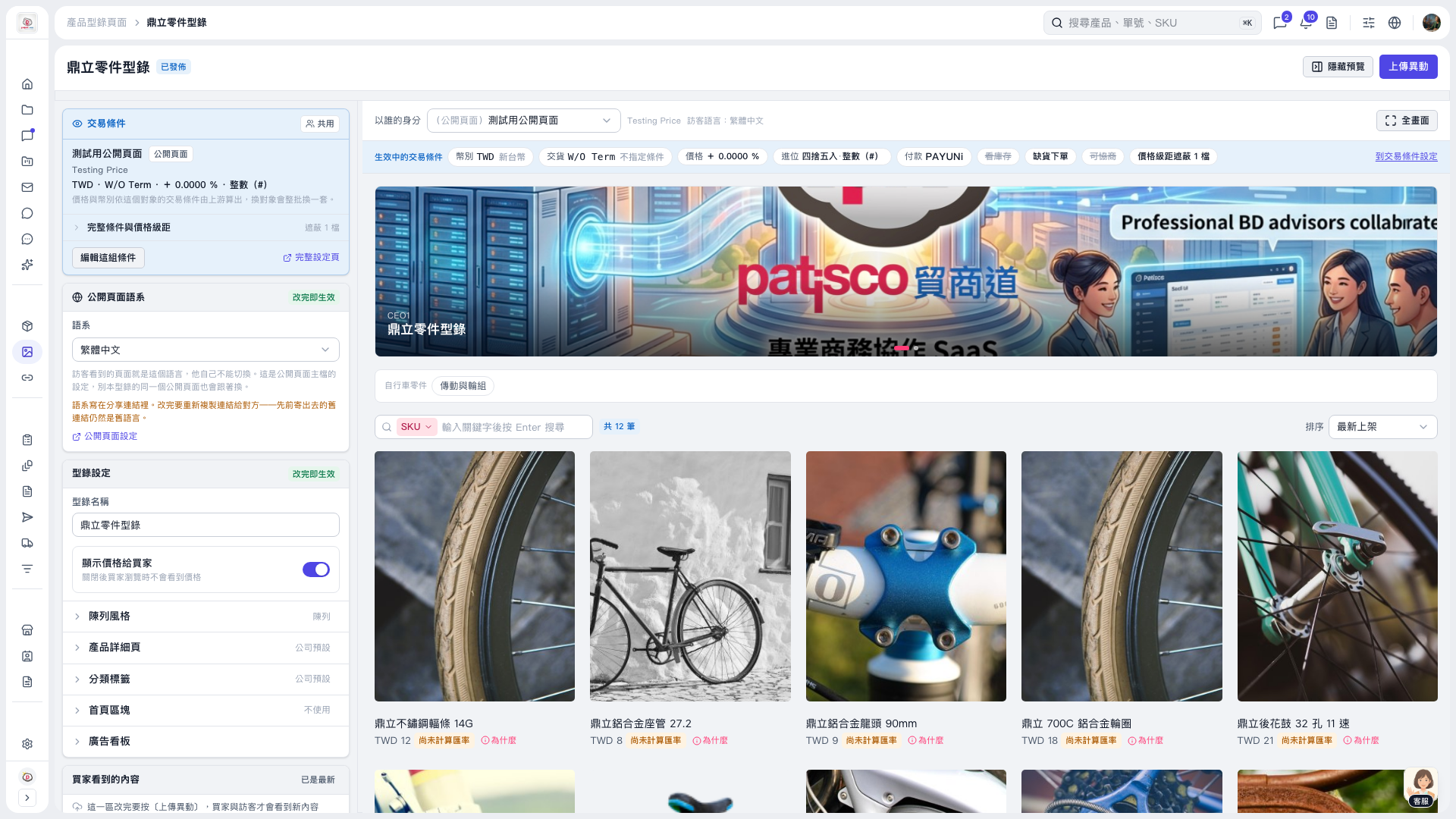 V5 新桌面版|鼎立零件型錄