
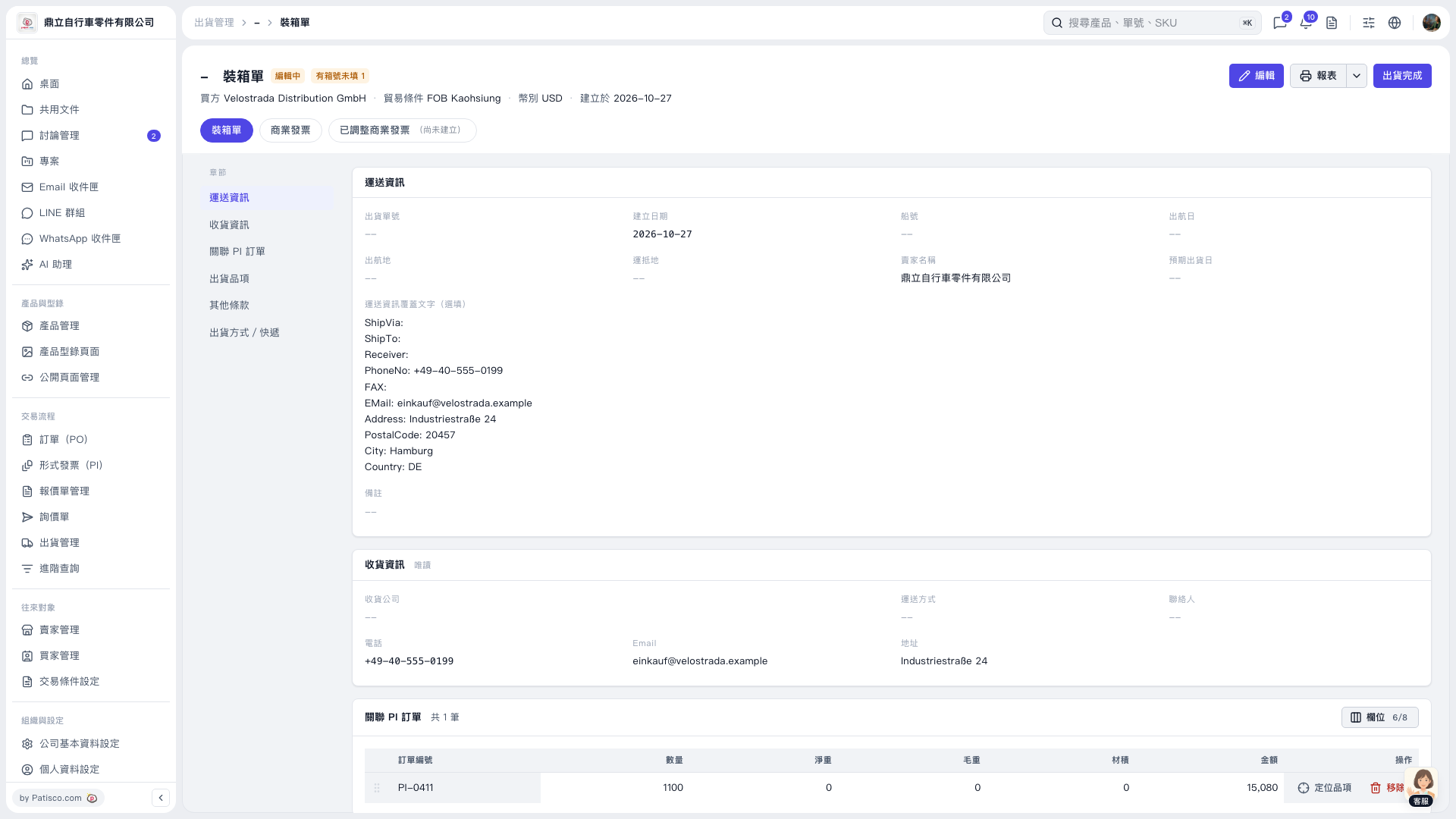
1. On the "Packing List" page, confirm the "Carton numbers missing" reminder. 2. Click "Edit" at the top right, and fill in the missing carton numbers and packing list data. 3. Use the "Shipment Items" navigation on the left to check the items. You can also click "Locate items" on the matching row under "Related PI Orders" to check the shipment items of that order.
 V5 新桌面版|裝箱單