
1. On the "Projects" page, enter a keyword in the "Search project name or number" box at the top, then click "Search". 2. To narrow down the results, click "Filter" and set conditions. 3. Check the "Customer", "Stage", "Status", and "Last activity" columns in the list to confirm the project you are looking for. 4. Click "Open" at the far right of the row to enter the project.
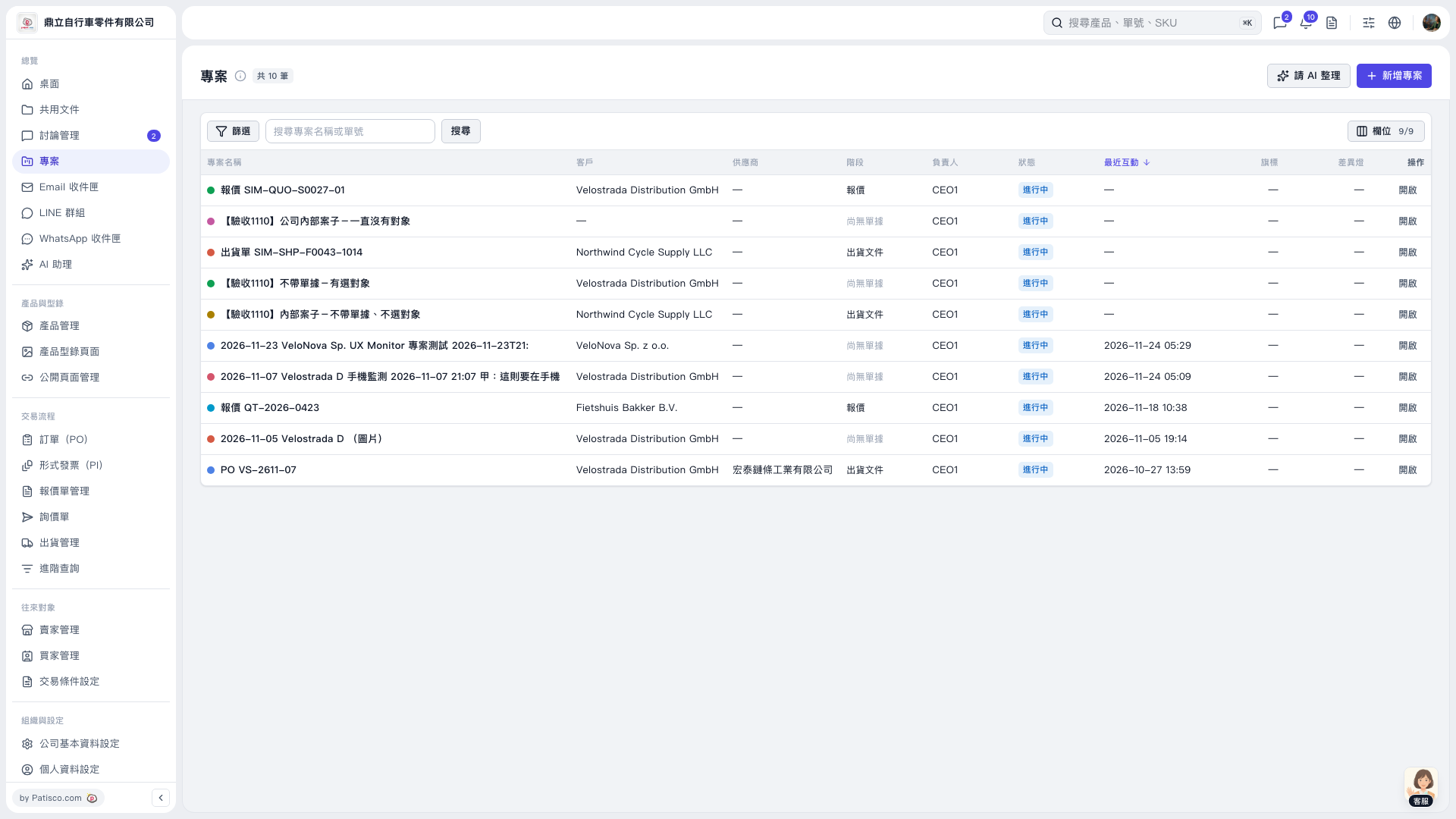 V5 新桌面版|專案