
1. To enable your company's workflow, click "Apply workflow" at the top and check the current stage and the next tasks. 2. In "Project info" on the right, use the "Owner" and "Status" dropdown menus to adjust the settings. 3. To link a related document, click "Link a document" in the "Milestones" section. 4. Enter your handling record in "Internal notes" and click "Submit" so that your colleagues can view it.
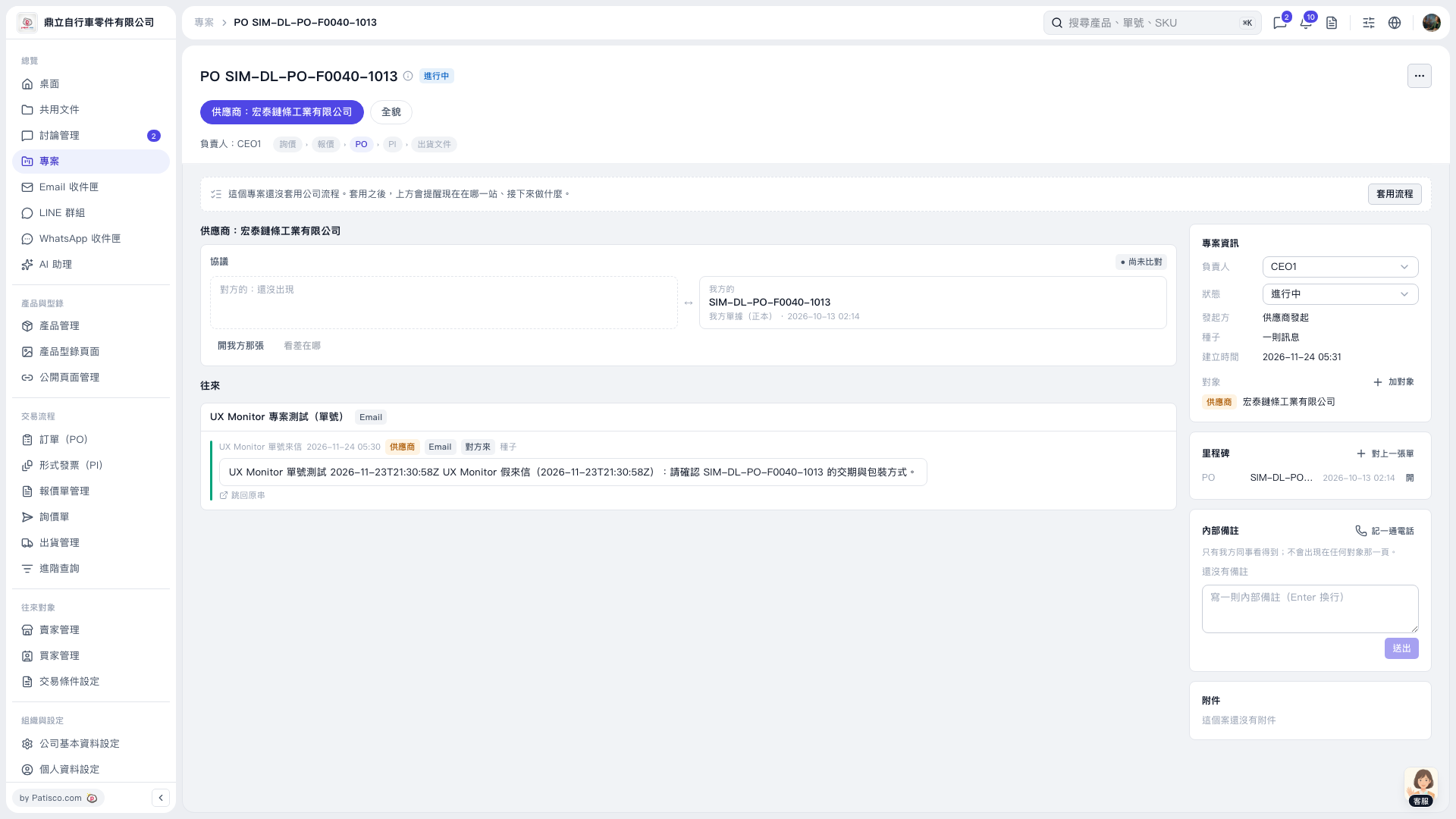 V5 新桌面版|PO SIM–DL–PO–F0040–1013