
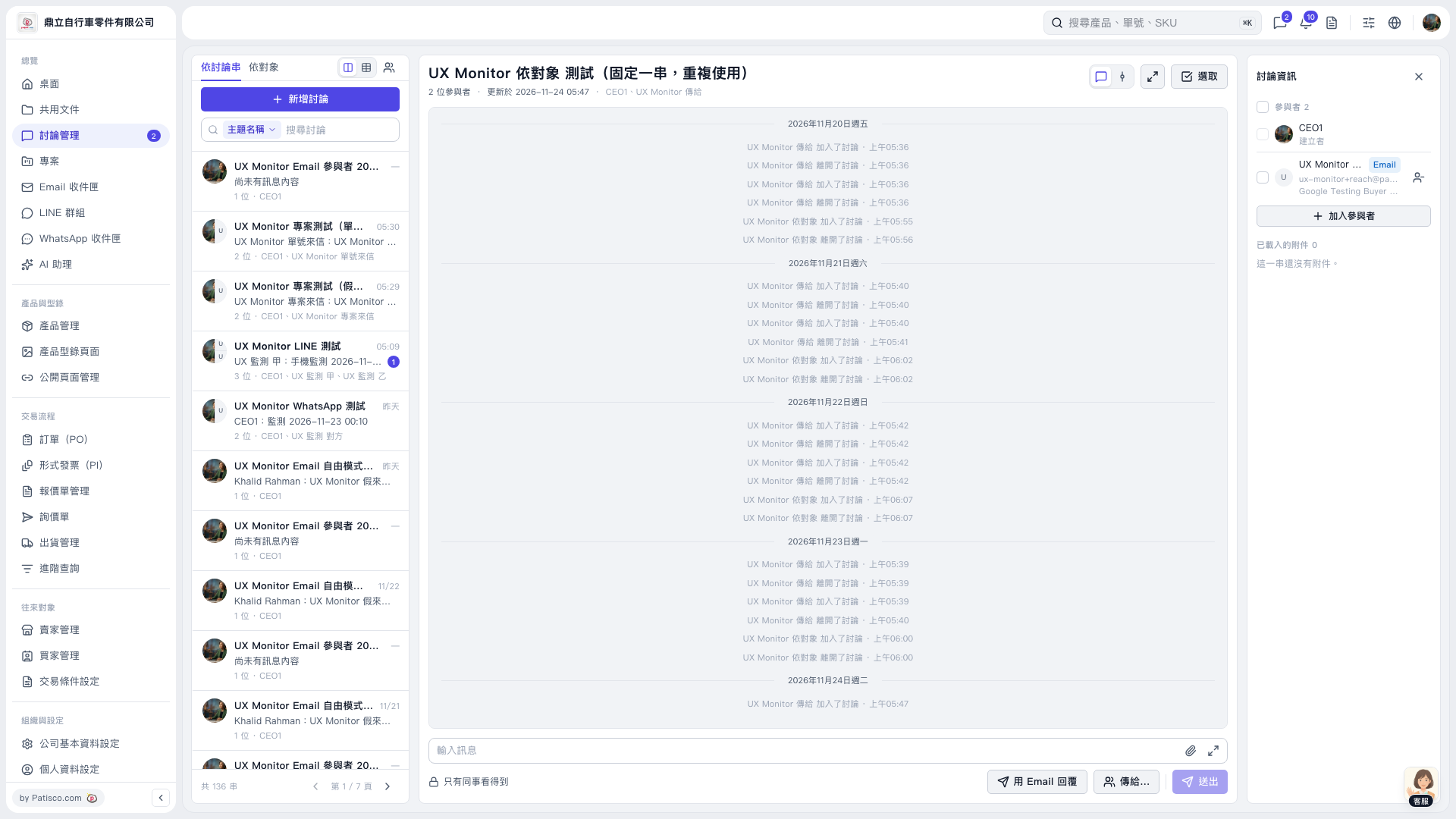
1. Open the thread, and type your content in the "Type a message" field at the bottom. 2. To attach a file, click the paperclip icon on the right side of the input box. 3. Click "Send to…" to choose the recipients. To reply by email, you can use "Reply by Email". 4. After confirming the content and recipients, click "Send".
 V5 新桌面版|UX Monitor 依對象 測試(固定一串,重複使用)