
1. In the discussion list on the left, click a thread. You can also use "Search discussions" to find the topic. 2. Read the messages in the center, and check the participants under "Discussion info" on the right. 3. Type your content in the "Type a message" field at the bottom. To attach a file, click the paperclip icon to add the attachment. 4. To choose the recipients, click "Send to…", then click "Send".
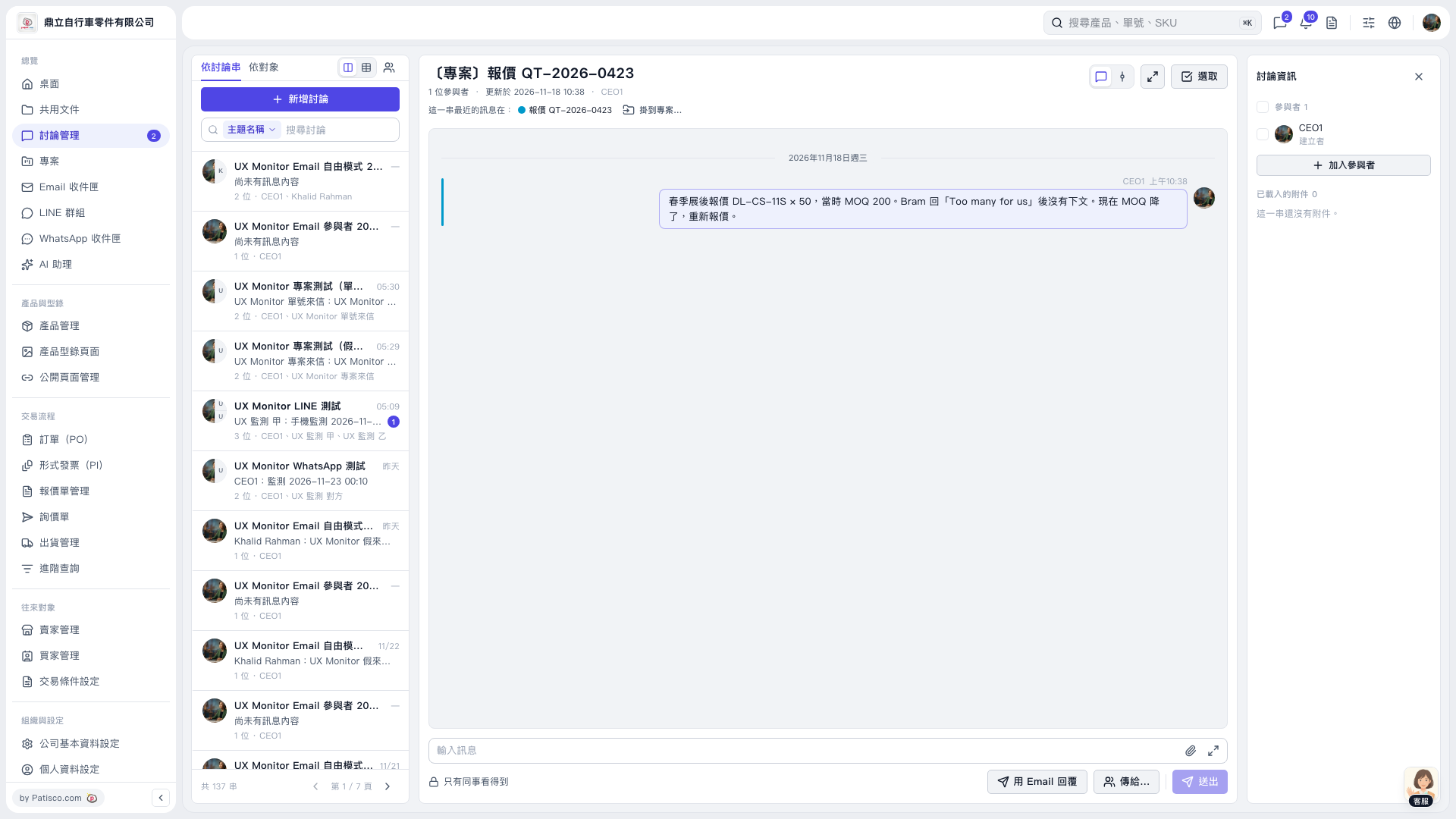 V5 新桌面版|〔專案〕報價 QT–2026–0423