
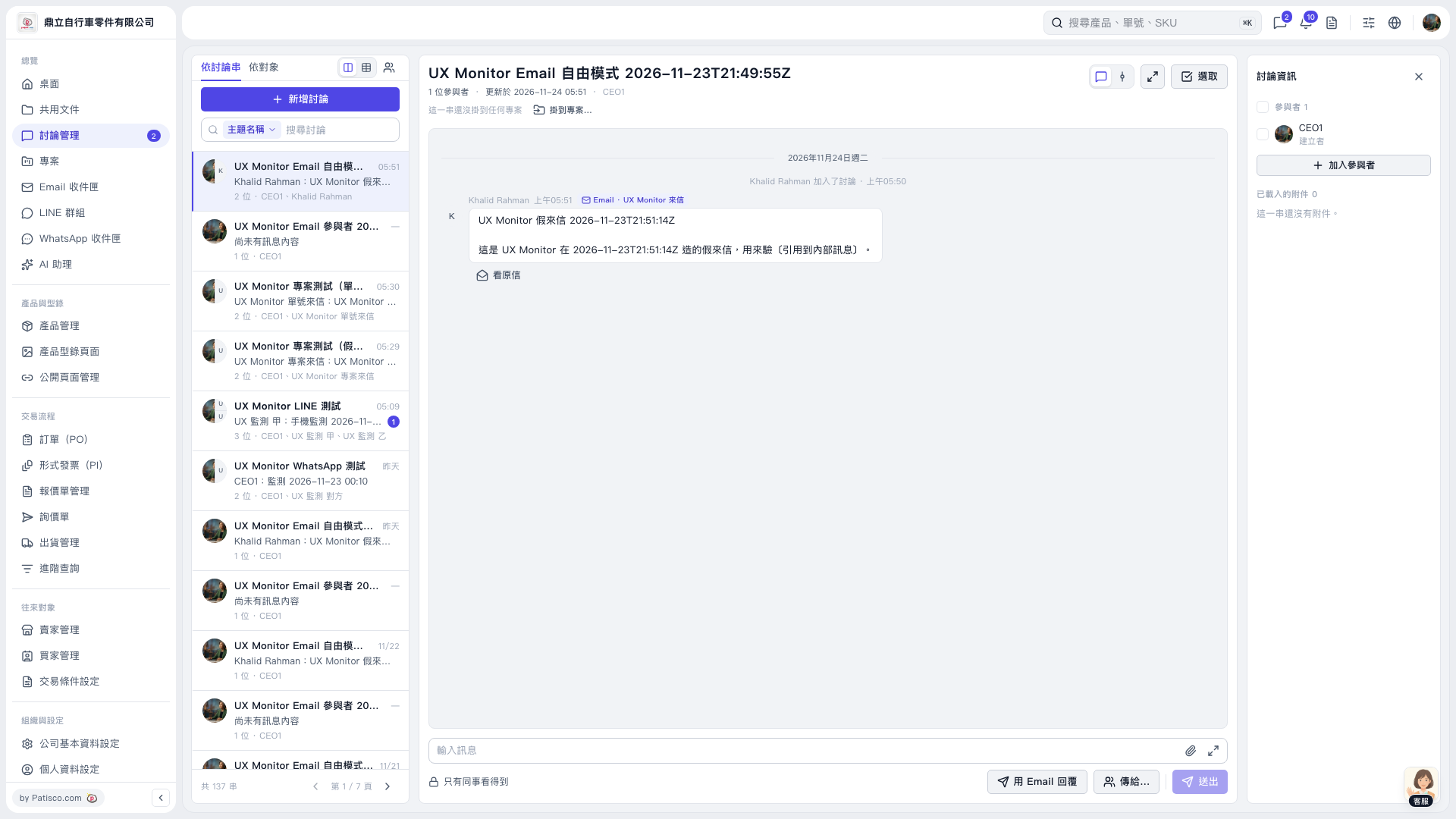
1. Select the discussion thread in the discussion list on the left. You can also use "Search discussions" to find a subject. 2. Click "View original" below the email message to see the original email. 3. Click "Reply by email" and write your reply in the "Type a message" field. 4. If needed, click "Send to…" to choose recipients, confirm the delivery method and recipients, then click "Send".
 V5 新桌面版|UX Monitor Email 自由模式 2026-11-23T21:49:55Z