
1. Open the Proforma Invoice and find the item you want to edit in the "Item list". 2. Click the editable "Specification" field and enter the content. 3. Press Enter to save after editing; for multi-line fields, press Ctrl/⌘ + Enter to save. To cancel the edit, press Esc.
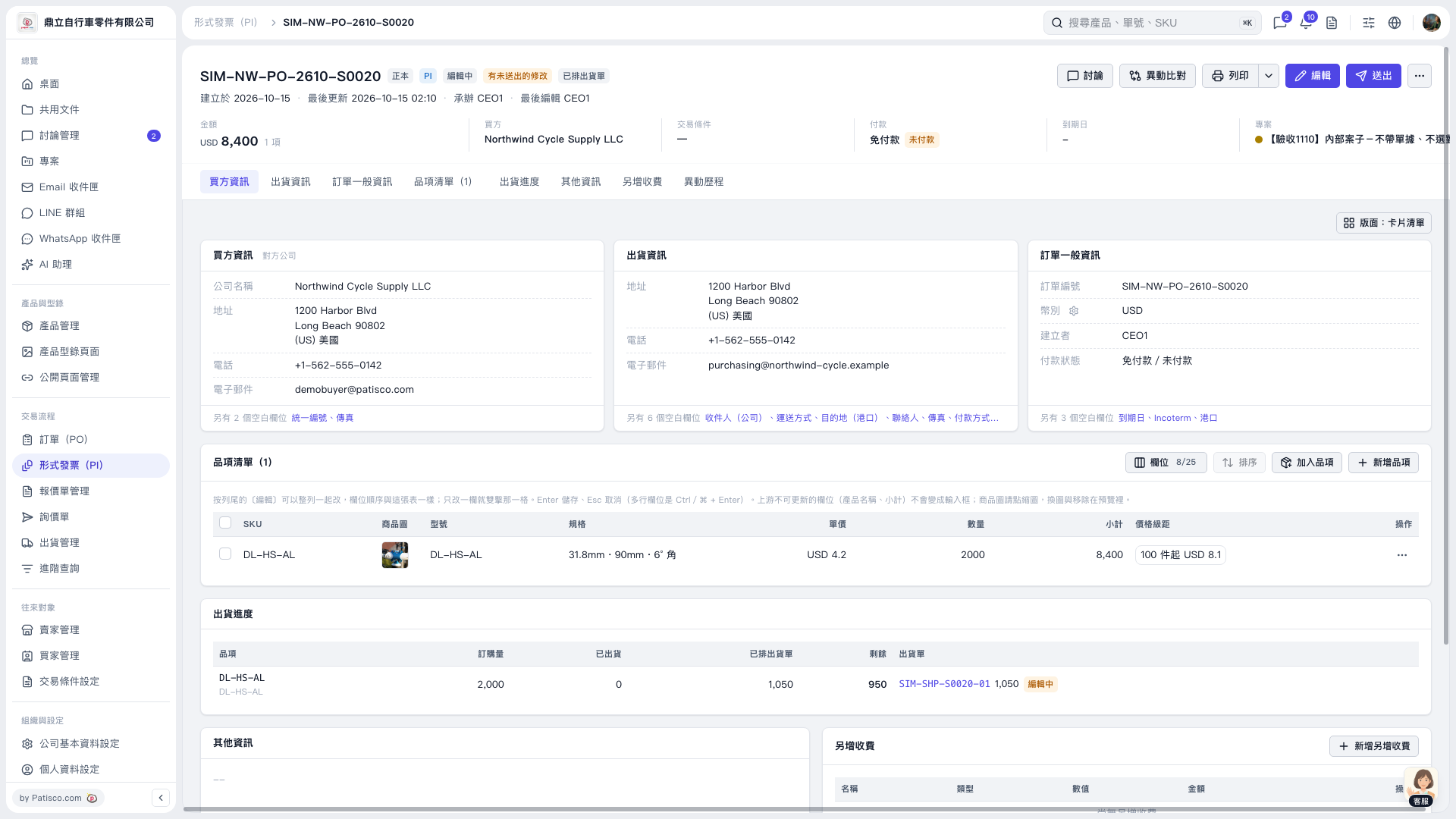 V5 新桌面版|形式發票 SIM–NW–PO–2610–S0020