
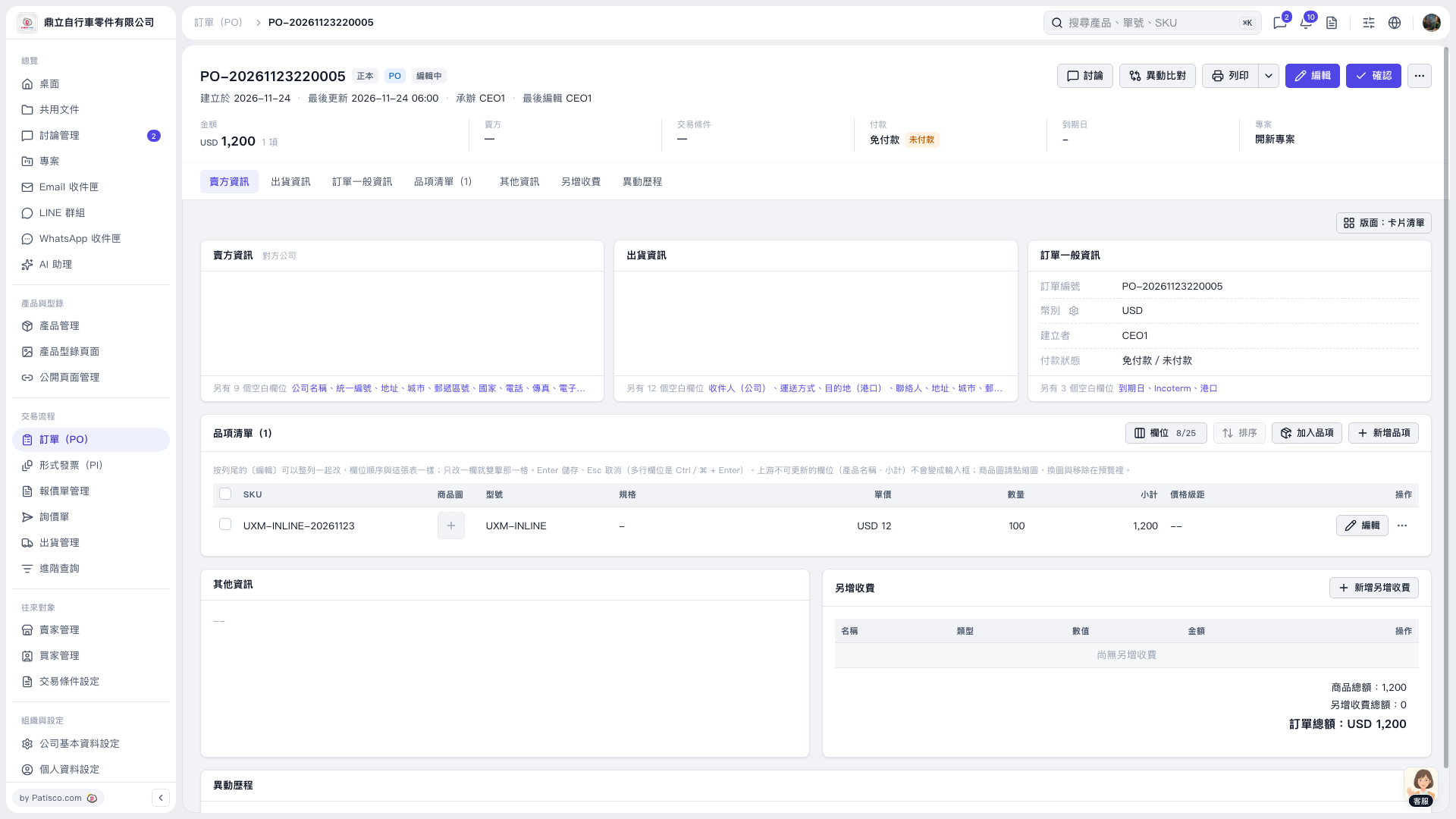
1. On the PO details page, click [Edit] at the top right to enter edit mode. 2. Fields such as unit price and subtotal do not turn into input boxes; to edit an item, click [Edit] on the right side of that item. 3. For other fields that can be edited directly, only one field can be edited at a time after you click it; press Enter to save and Esc to cancel. For multi-line fields, press Ctrl/⌘ + Enter to save.
 V5 新桌面版|訂單詳情:PO–20261123220005