
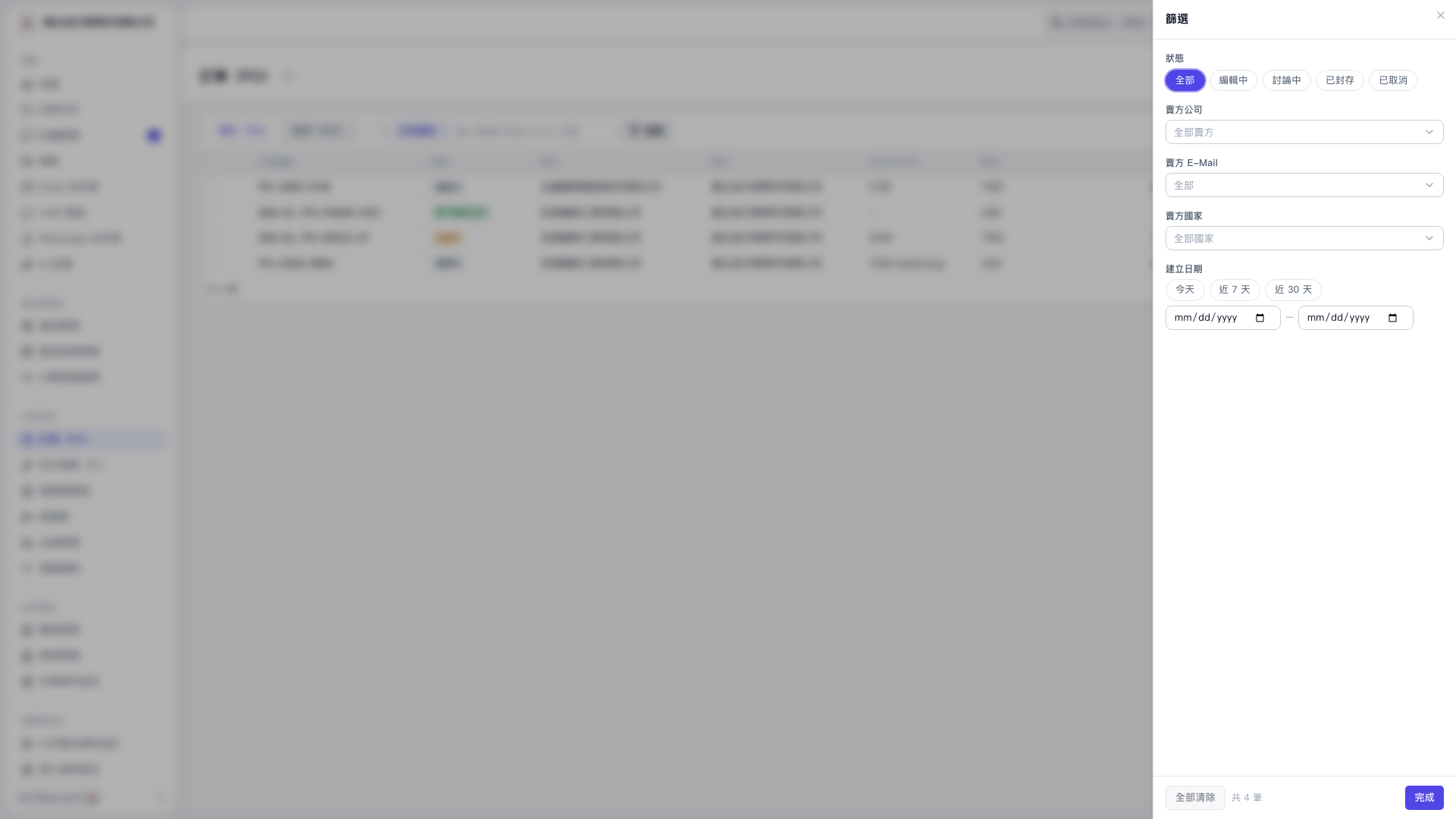
1. On the PO page, click [Filter]. 2. Under "Status", select "All", "Editing", "In Discussion", "Archived" or "Canceled". 3. If needed, expand "Seller Company", "Seller E-Mail" or "Seller Country" and select a filter condition. 4. Under "Created Date", select [Today], [Last 7 Days] or [Last 30 Days]. You can also enter dates in "Start Date" and "End Date", or use the calendar to select a range. 5. Check the number of records at the bottom of the panel, then click [Done] to return to the list and view the results.
 V5 新桌面版|採購單(PO,背景標題模糊)