
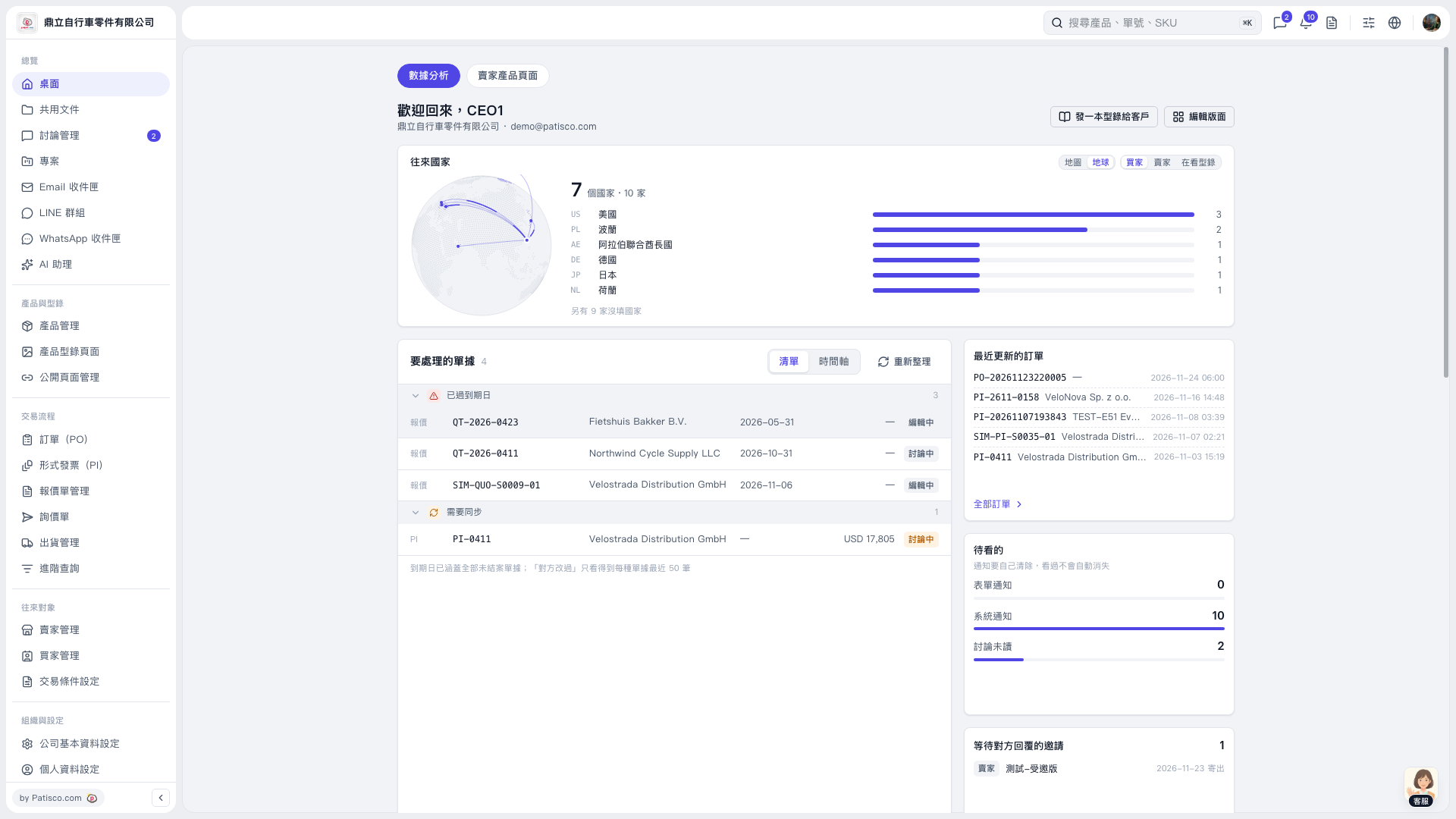
1. In the "Documents to handle" section of "Desktop – Data Analysis", check the documents that are "Past due date" and "Need sync". 2. Click the "Document number" you want to handle to open the corresponding document, view its content, and handle it. 3. After returning to the desktop, click "Refresh" to update the pending list. 4. To change how the list is displayed, click "List / Timeline".
 V5 新桌面版|桌面-數據分析