
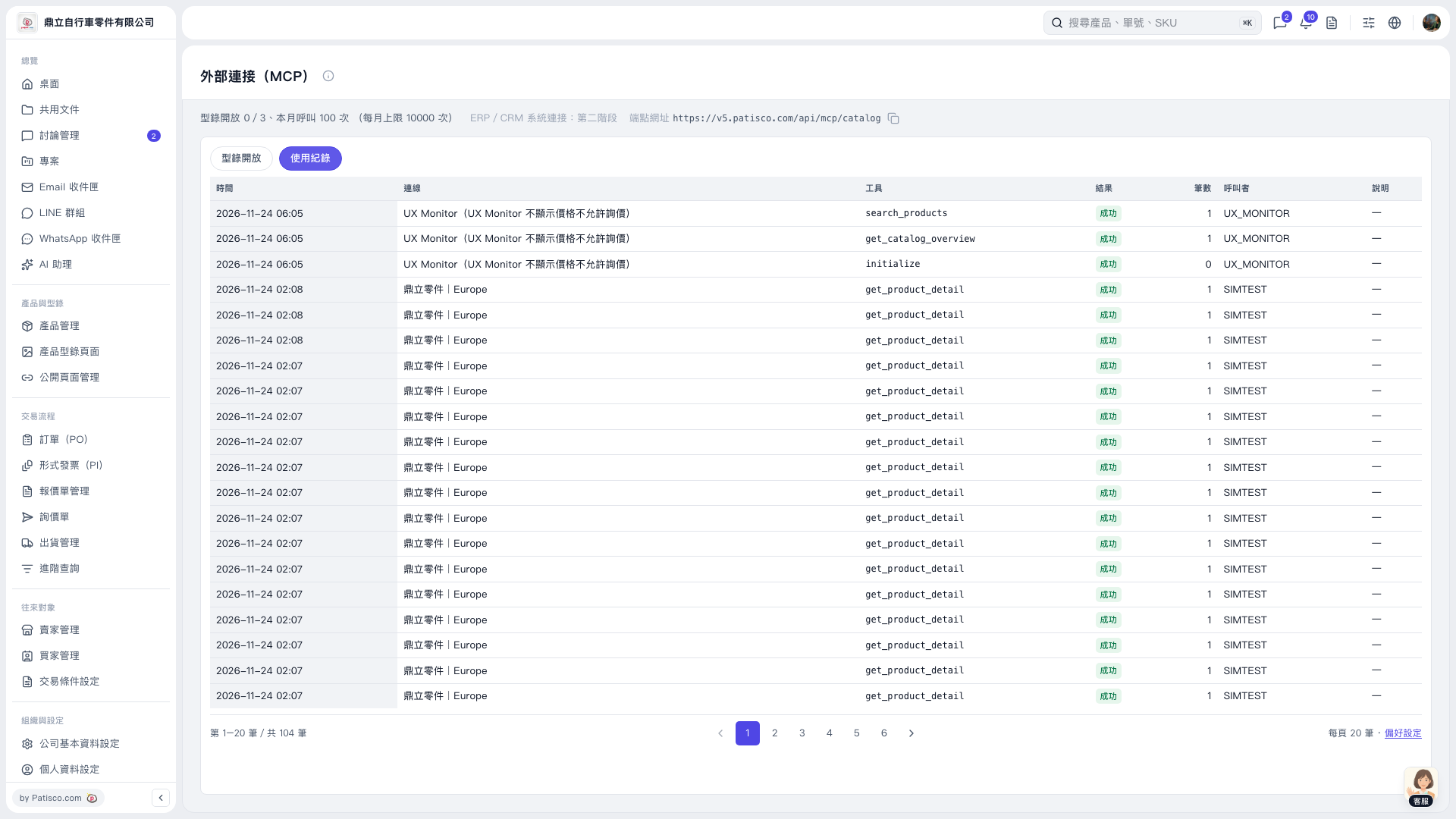
1. On the "External Connections (MCP)" page, click "Usage Log". 2. Review the "Time", "Connection", "Tool", "Result", "Count", "Caller" and "Description" of each call. 3. Click the page numbers or the left and right arrows at the bottom of the list to view other pages of records. 4. To adjust how the list is displayed, click "Preferences" at the bottom right.
 V5 新桌面版|外部連接(MCP)