
1. In the item list, find the item you want to change, click "Edit" on the right of that row, and adjust the quantity, unit price and other data. 2. To add an item, click "Add item" at the top right of the item section. 3. Adding, editing and deleting items are saved immediately.
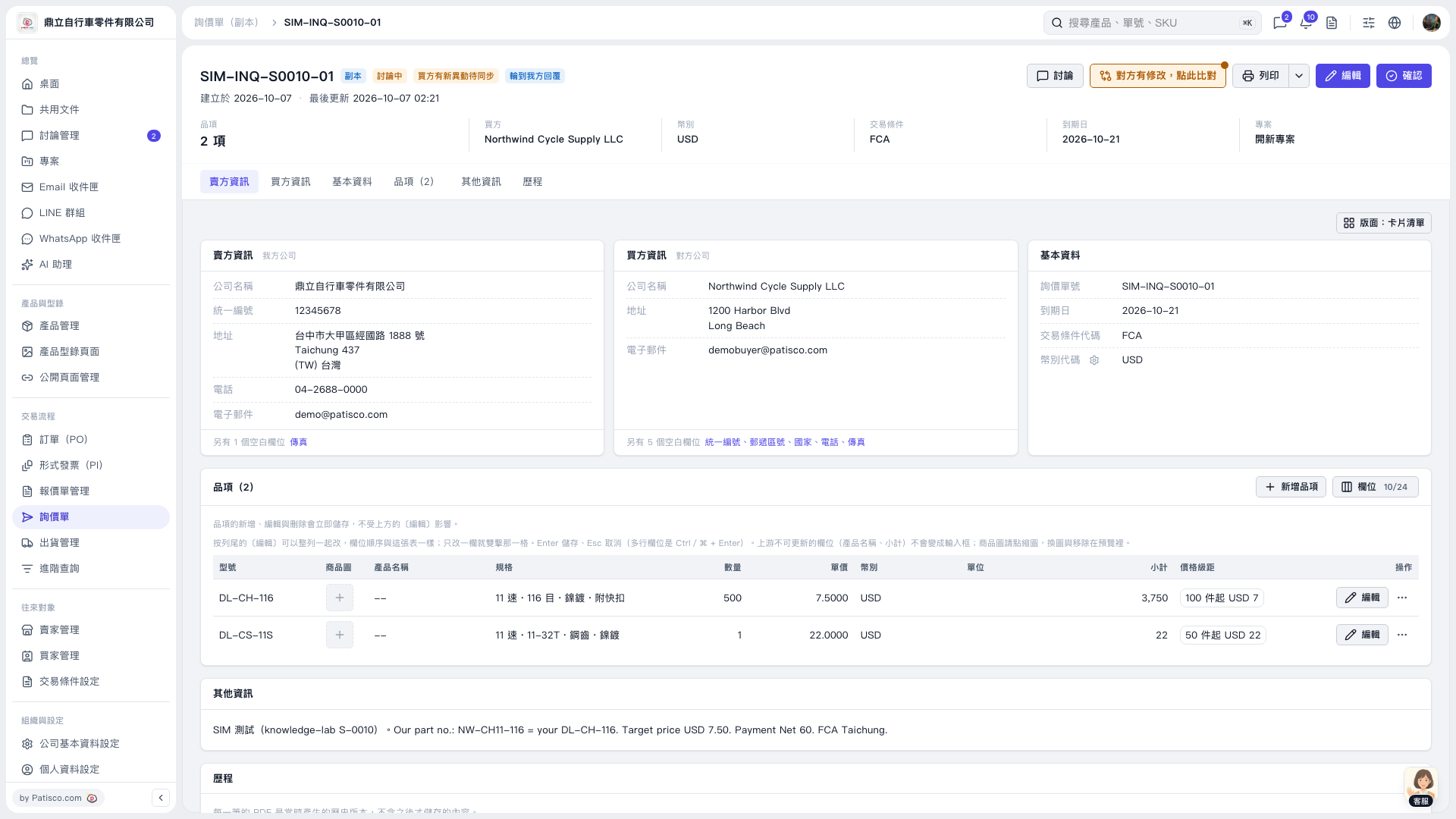 V5 新桌面版|SIM–INQ–S0010–01