
1. In the "Add item" panel, scroll up, check the product information, and fill in "Unit price" and "Quantity". 2. Set "Use custom unit price (if off, calculated by price tier)" as needed. When it is on, the custom unit price is used; when it is off, the price is calculated by price tier. 3. Fill in "Minimum order quantity (MOQ)" if needed, and check the "Subtotal preview". 4. To discard the new item, click "Cancel" at the bottom of the panel.
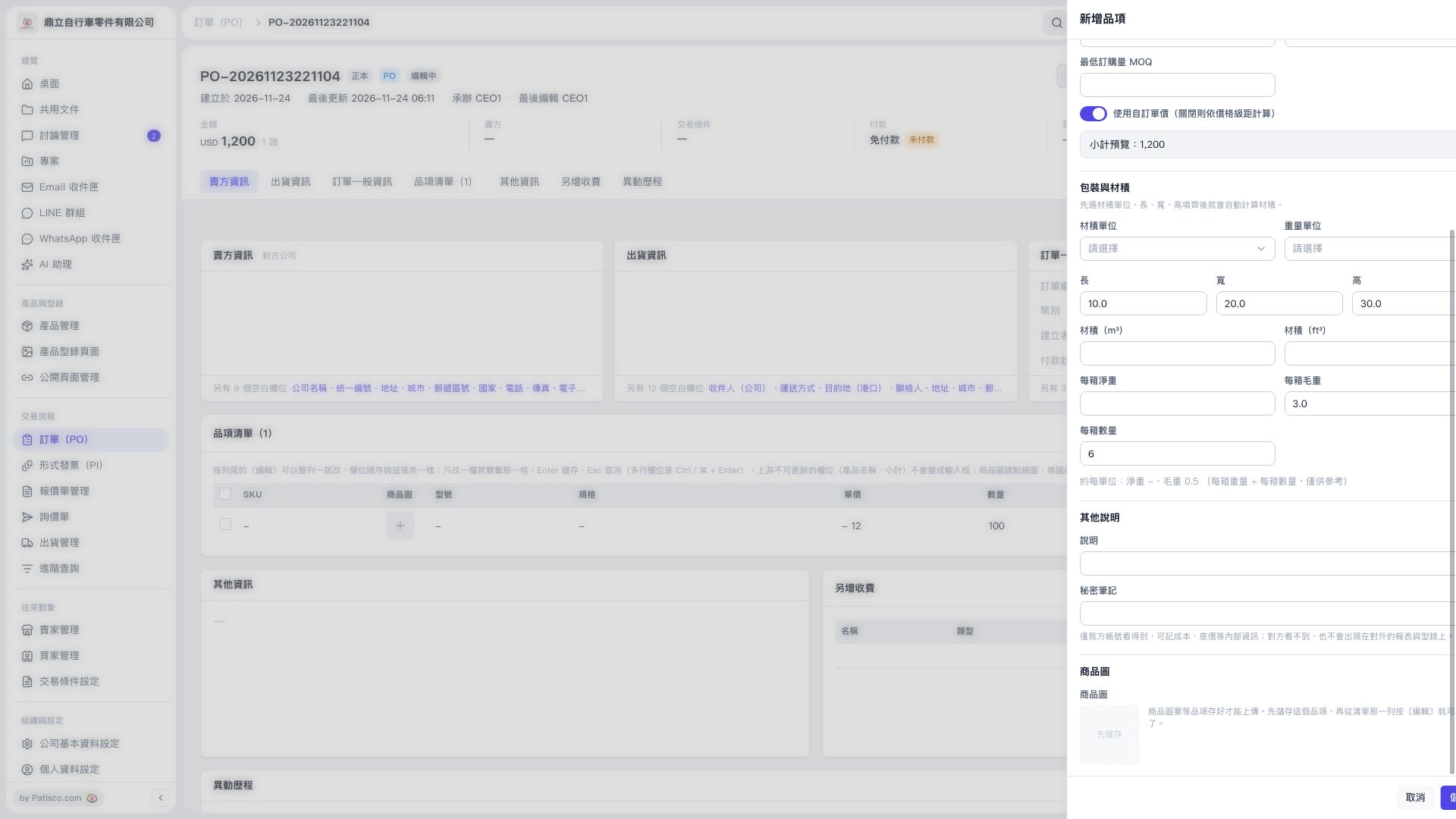 V5 新桌面版|訂單 PO-20261123221104(新增品項)