
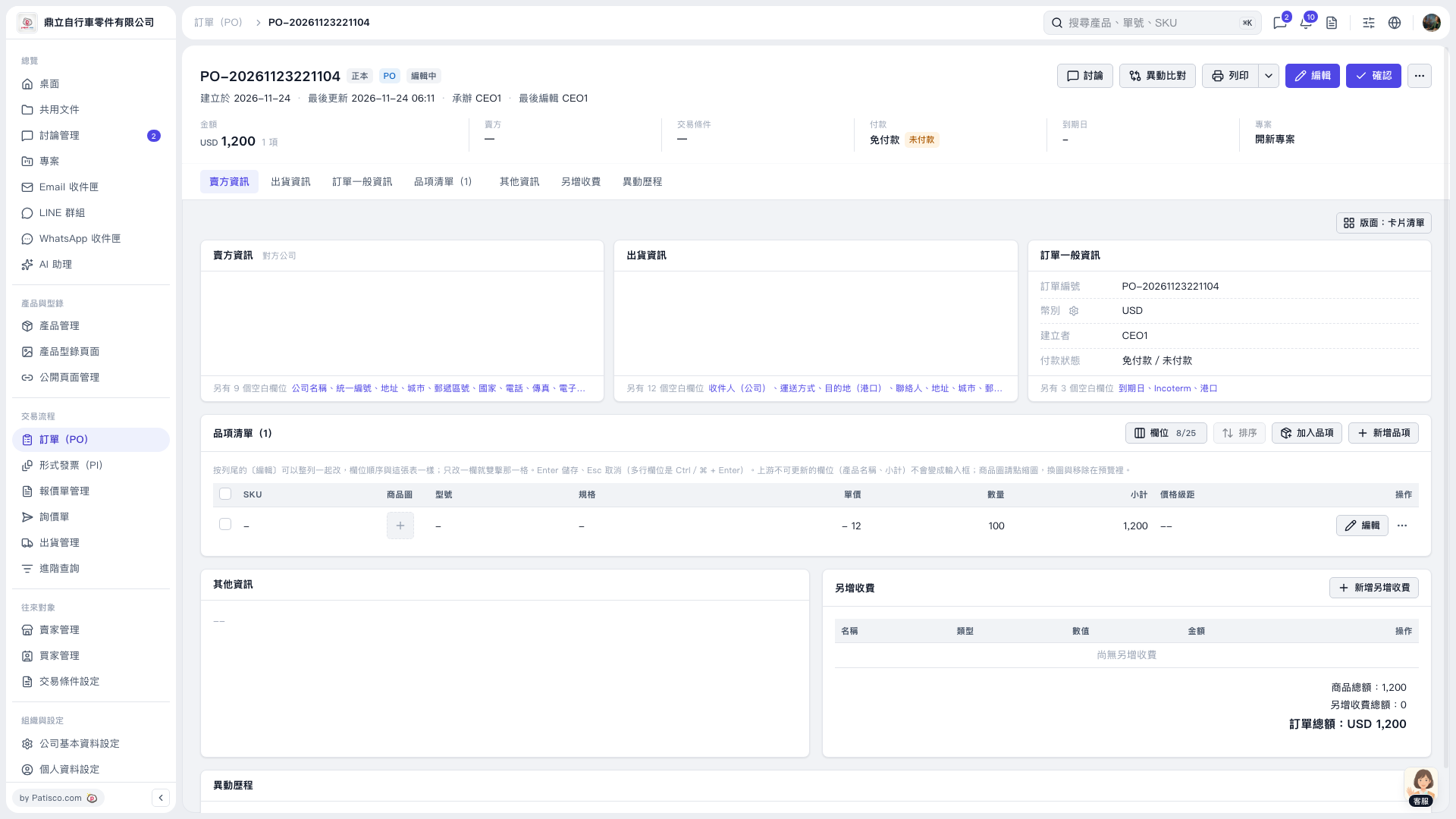
1. In the PO's "Item List", find the item you want to change and click "Edit" on the right side of its row. 2. Adjust the "Unit Price" or "Quantity" and press Enter to save. To cancel the change, press Esc. 3. Check the item's "Subtotal" and the "PO Total", then click "Confirm" at the top right when you are done.
 V5 新桌面版|PO-20261123221104