
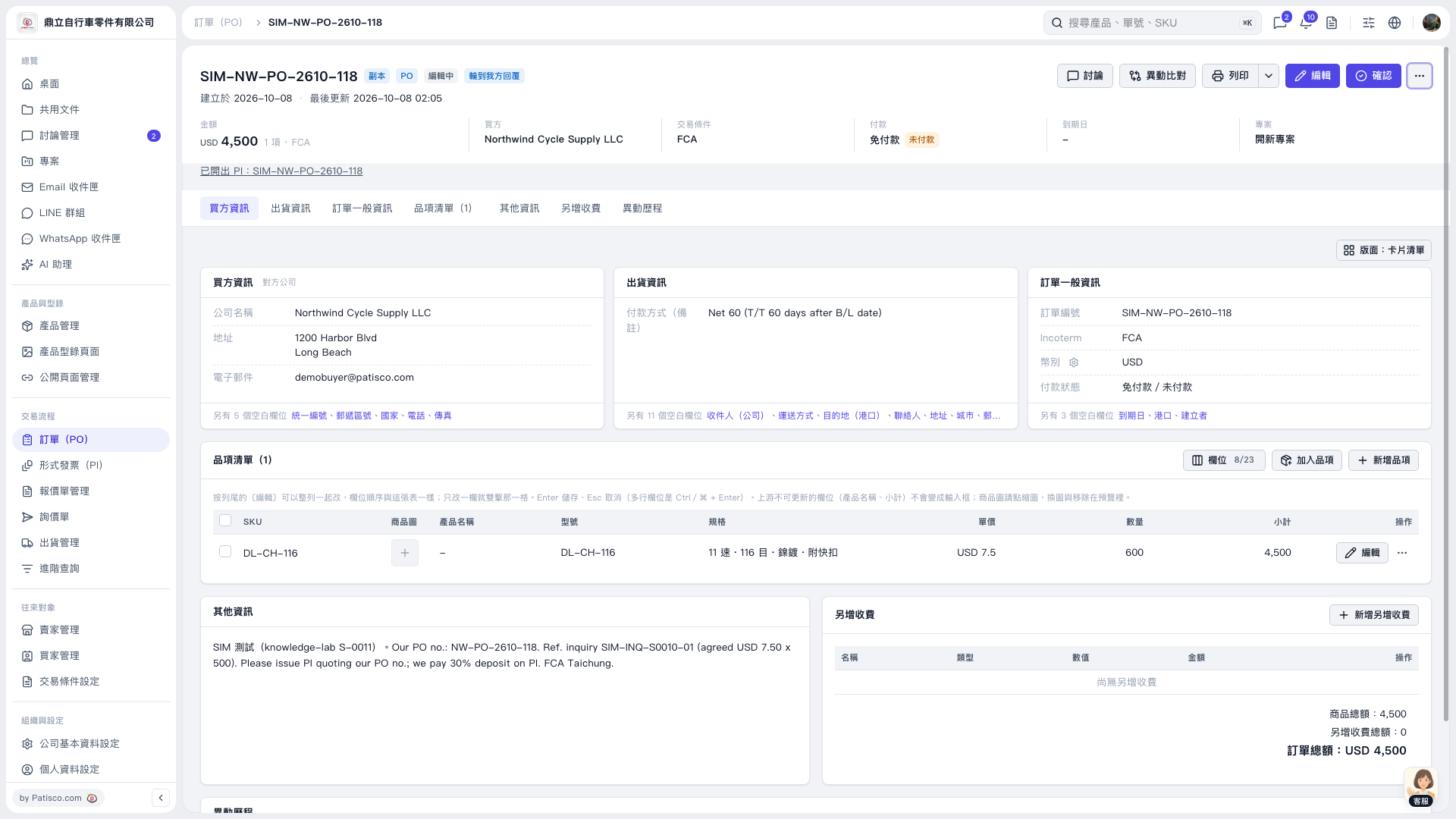
1. When you convert to a PI again, the system will remind you that this PO has already been converted to a PI. Converting again will create an additional PI and send another notification to the buyer. 2. If you don't want to issue a duplicate, click [Cancel]. You will stay on the PO copy page and no new PI will be created. 3. If you are sure you need another one, click [Convert another anyway]. 4. If you only want to view the original PI, click the [PI issued] link below the order summary; the corresponding number will be shown after it.
 V5 新桌面版|SIM–NW–PO–2610–118