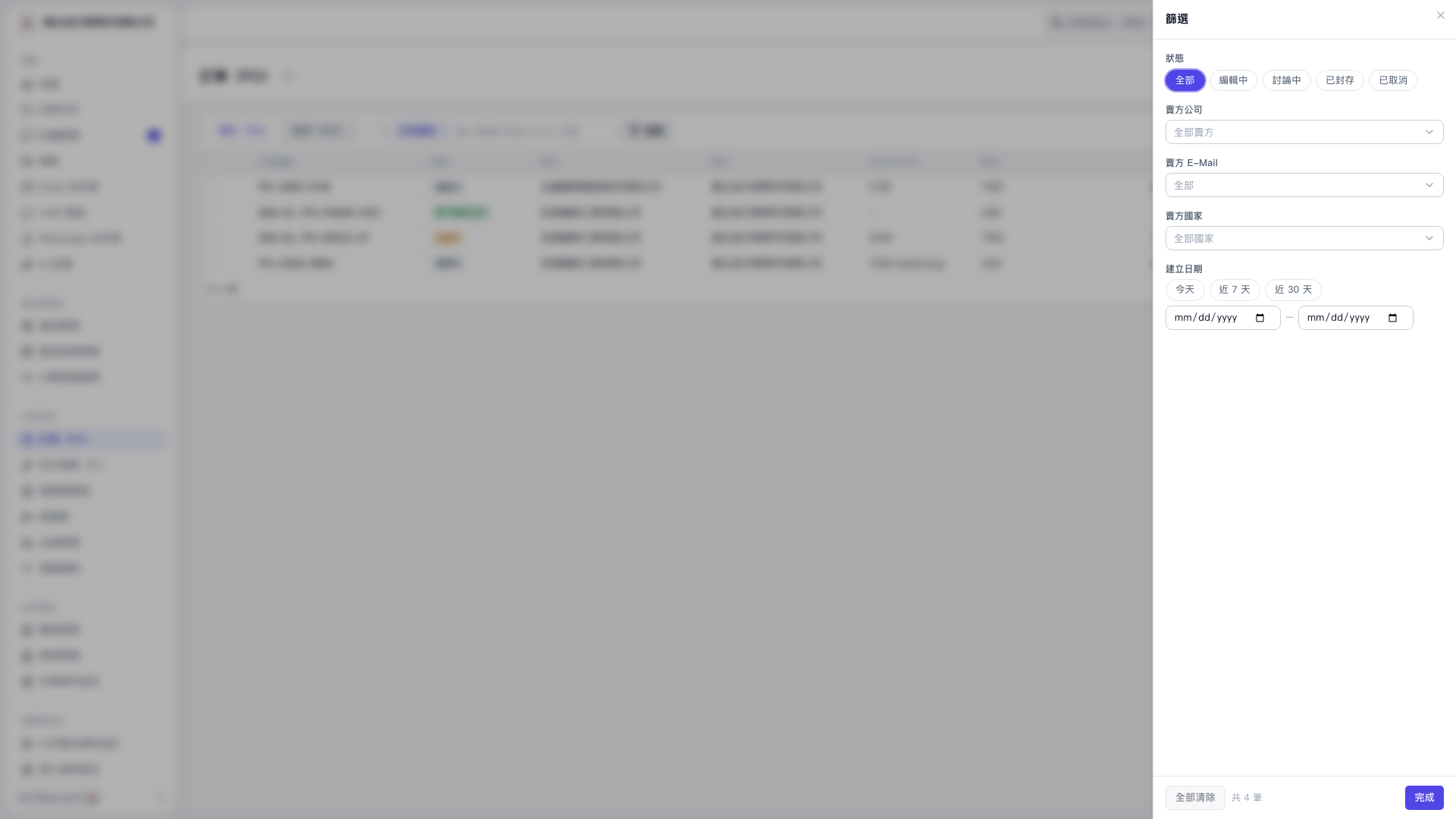
1. On the PO page, click [Filter]. 2. Click [Clear All] to clear the filter conditions you have set. 3. Set new conditions as needed, then click [Done] to return to the list.
 V5 新桌面版|採購單(PO,背景標題模糊)

1. On the PO page, click [Filter]. 2. Click [Clear All] to clear the filter conditions you have set. 3. Set new conditions as needed, then click [Done] to return to the list.
V5 新桌面版|採購單(PO,背景標題模糊)