
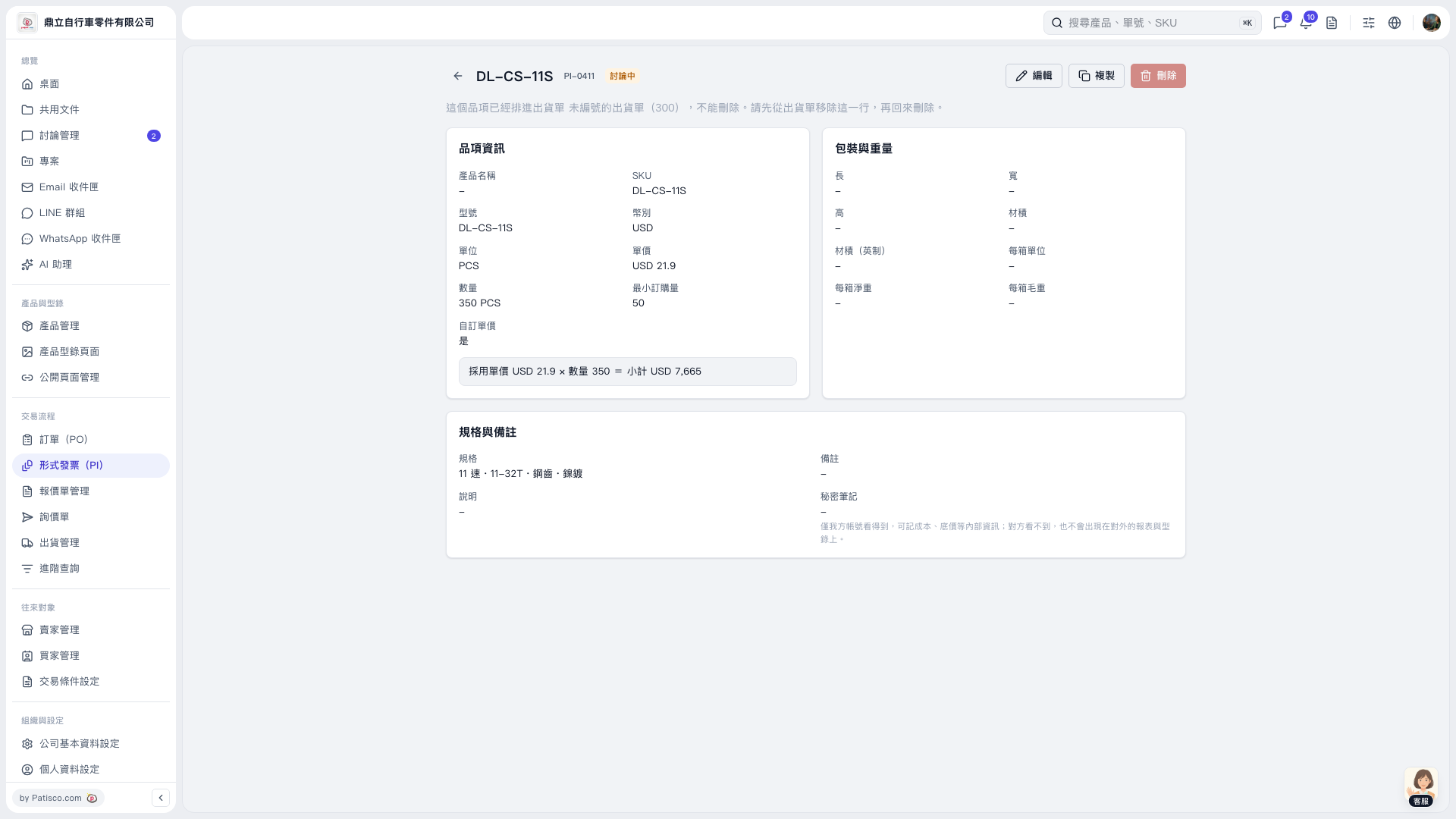
1. On the item details page, read the deletion restriction notice to confirm which shipment the item has been scheduled into. 2. Go to "Shipping Management" on the left, find the shipment mentioned in the notice, and remove this item line. 3. Return to the item details page and click "Delete" in the upper right corner.
 V5 新桌面版|DL-CS-11S