
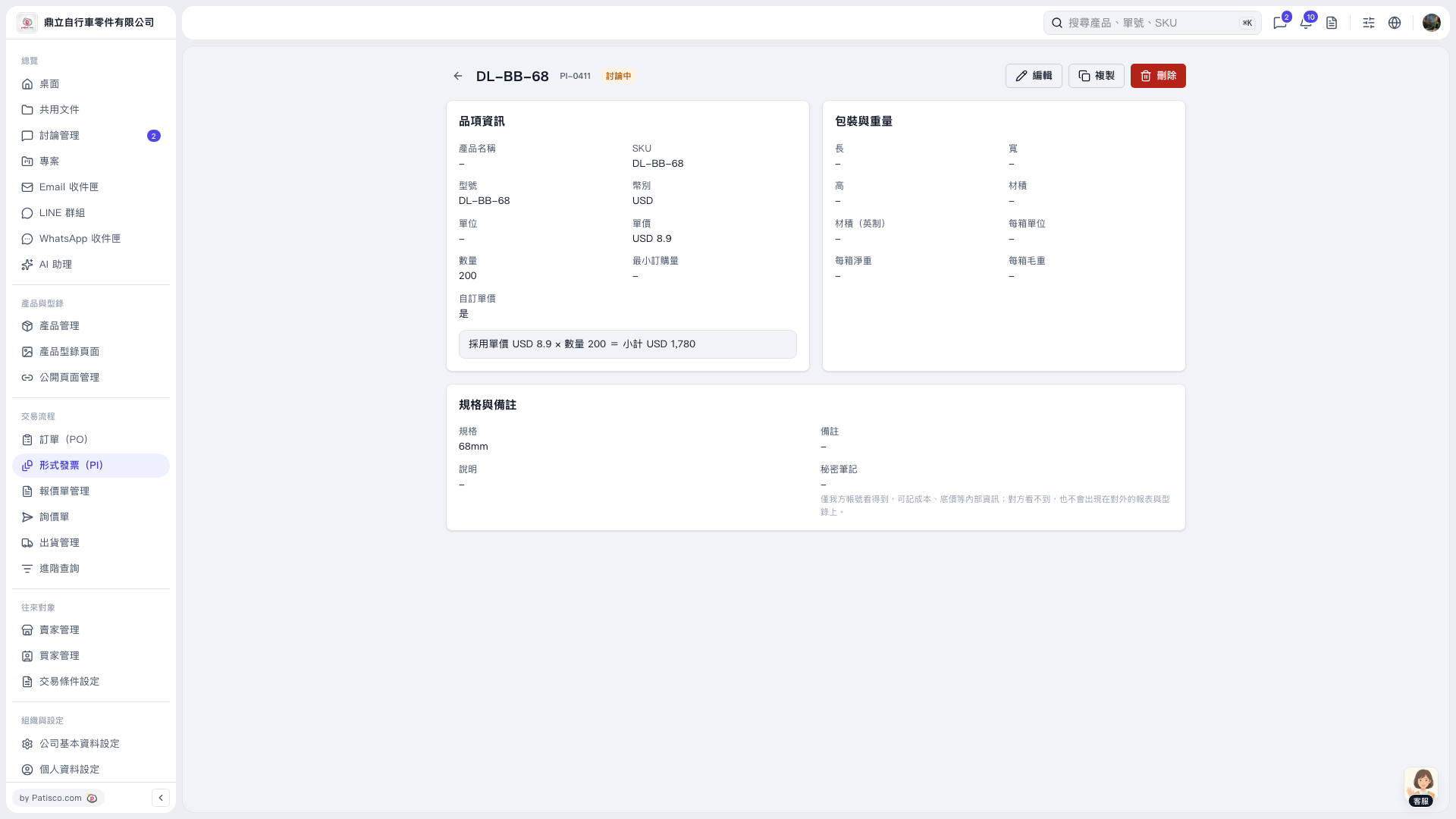
1. On the item details page of the Proforma Invoice, check the "Unit price", "Quantity", "Specifications", and the packaging and weight information. 2. To make changes, click "Edit" in the upper right corner to open the edit screen. 3. To create a similar item, click "Copy"; to remove this item, click "Delete". 4. Click the back arrow to the left of the item name to return to the previous Proforma Invoice page.
 V5 新桌面版|DL–BB–68