
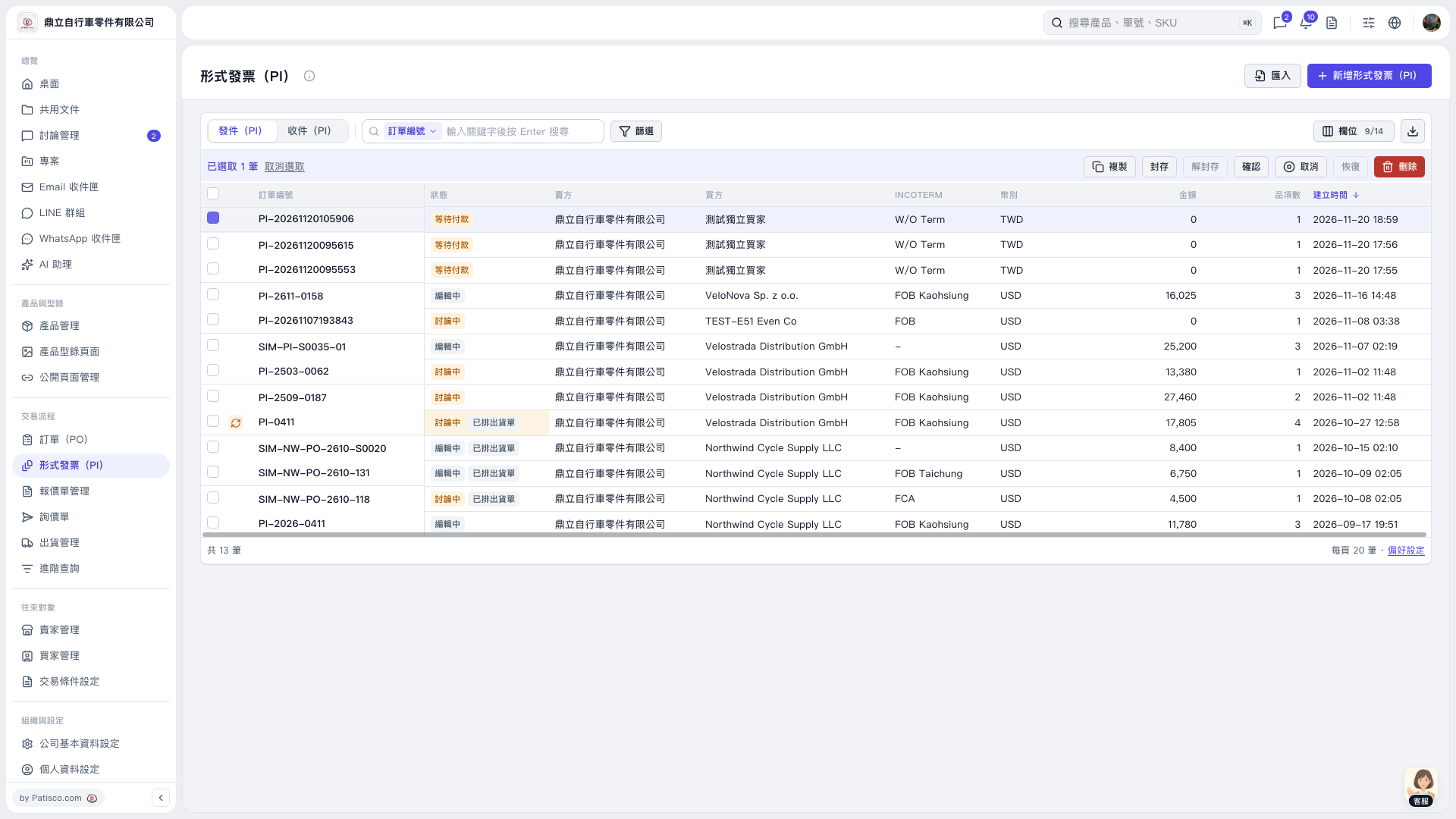
1. Go to "Proforma Invoice (PI)" and select "Sent (PI)" or "Received (PI)". 2. Click "Filter" and first filter for "Canceled" orders. 3. Tick the checkbox to the left of each Proforma Invoice you want to restore; you can select multiple at once. 4. Click "Restore" at the top and follow the system prompts to complete the action. If "Restore" is grayed out, make sure you have first filtered for "Canceled" orders.
 V5 新桌面版|形式發票(PI)