
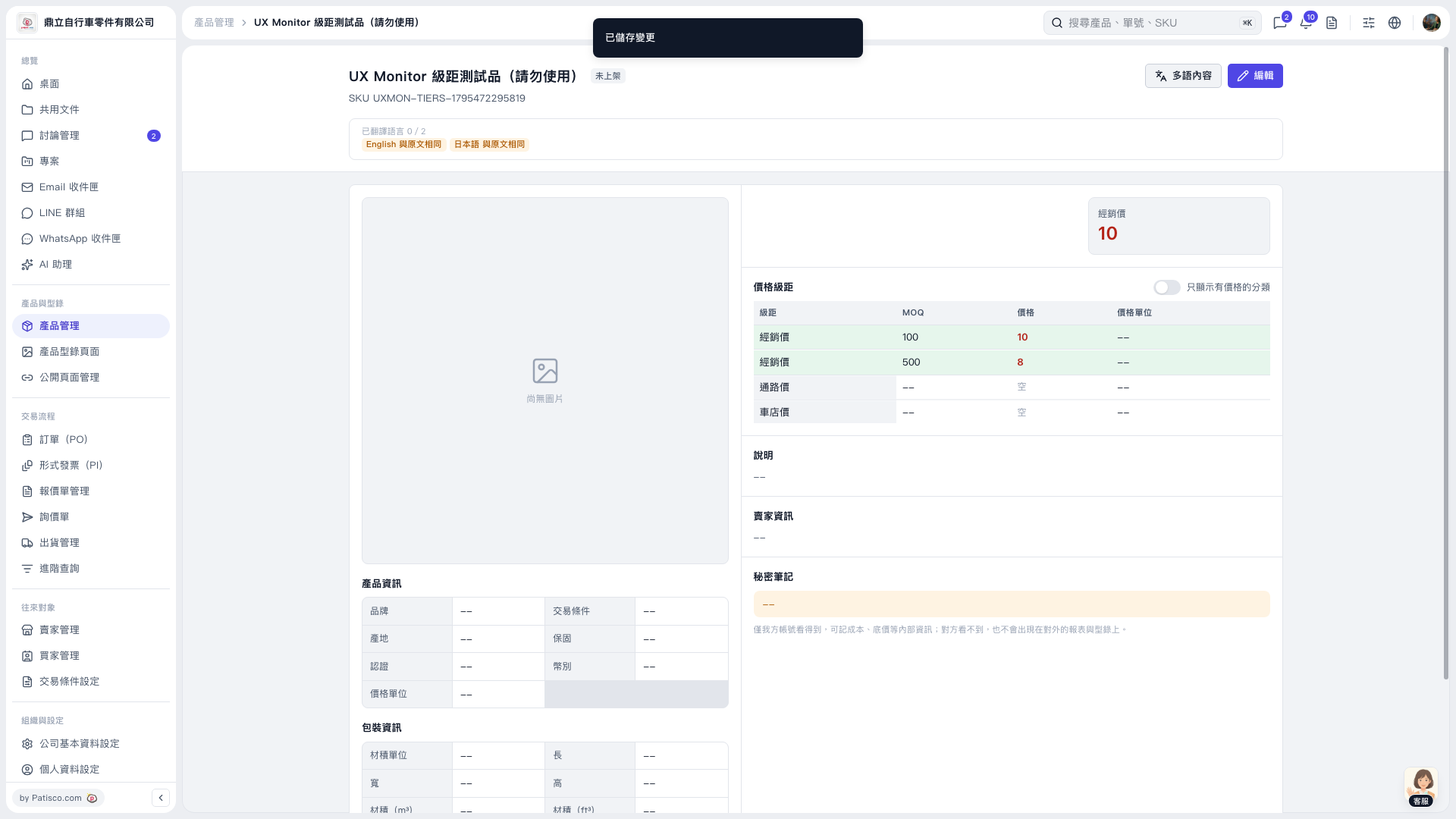
1. In the "Price tiers" table on the product details page, confirm the category, MOQ, and price you want to adjust. 2. Click "Edit" in the upper right corner to open the edit screen, then modify the price tier data and save. 3. Return to the details page and confirm that the MOQ and prices in the table are correct, and watch for the "Changes saved" message. 4. If you only want to see categories that have prices set, turn on "Show only categories with prices".
 V5 新桌面版|UX Monitor 級距測試品(請勿使用)