
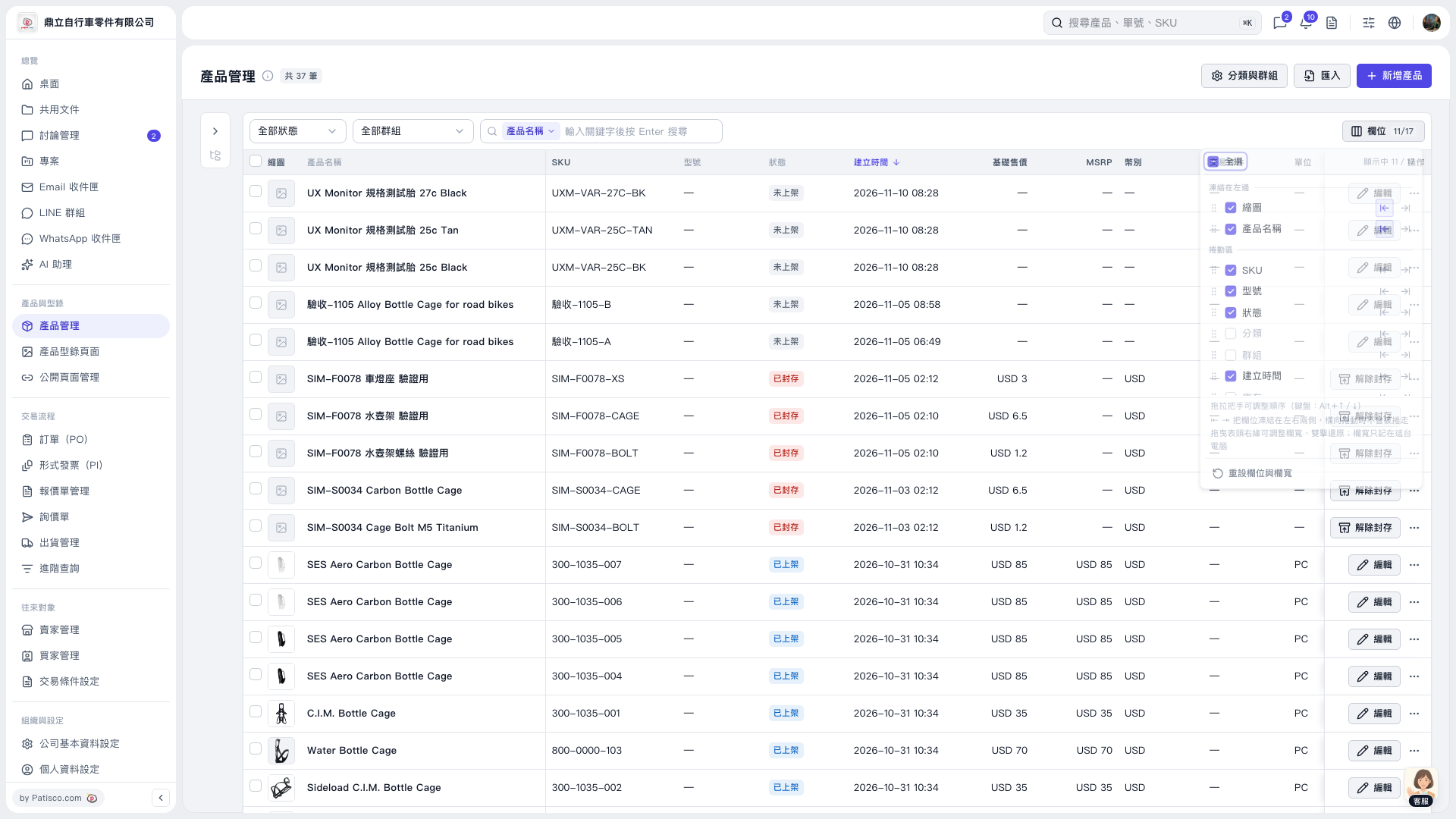
1. At the top right of the "Product Management" list, click the "Columns" button; the button shows the number of columns. 2. Check the columns you want to display and uncheck the ones you don't need. 3. Drag the handle next to a column to change the column order. 4. Use the left and right freeze controls to pin a column to the left or right side of the table.
 V5 新桌面版|產品管理