
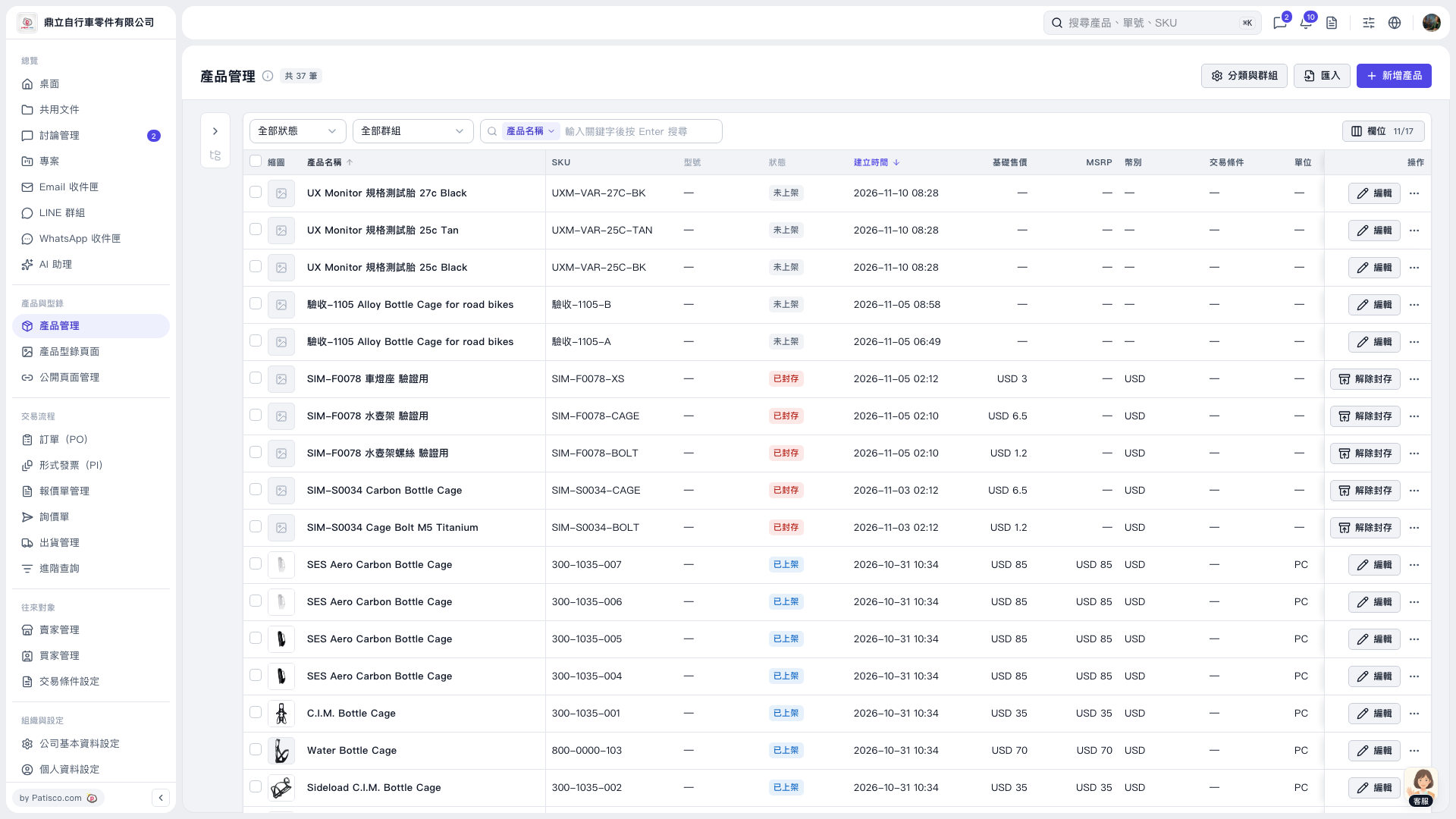
1. In "Product Management", tick the products you want to process, then choose [Reuse photos from the same group]. 2. Check the scope in the confirmation dialog. A product with no photos reuses the photos of the first product in the same group that has photos. They share the same file and are not uploaded again. Products that already have photos are not changed. 3. Click [Start] to run it. Click [Cancel] to not run it.
 V5 新桌面版|產品管理