
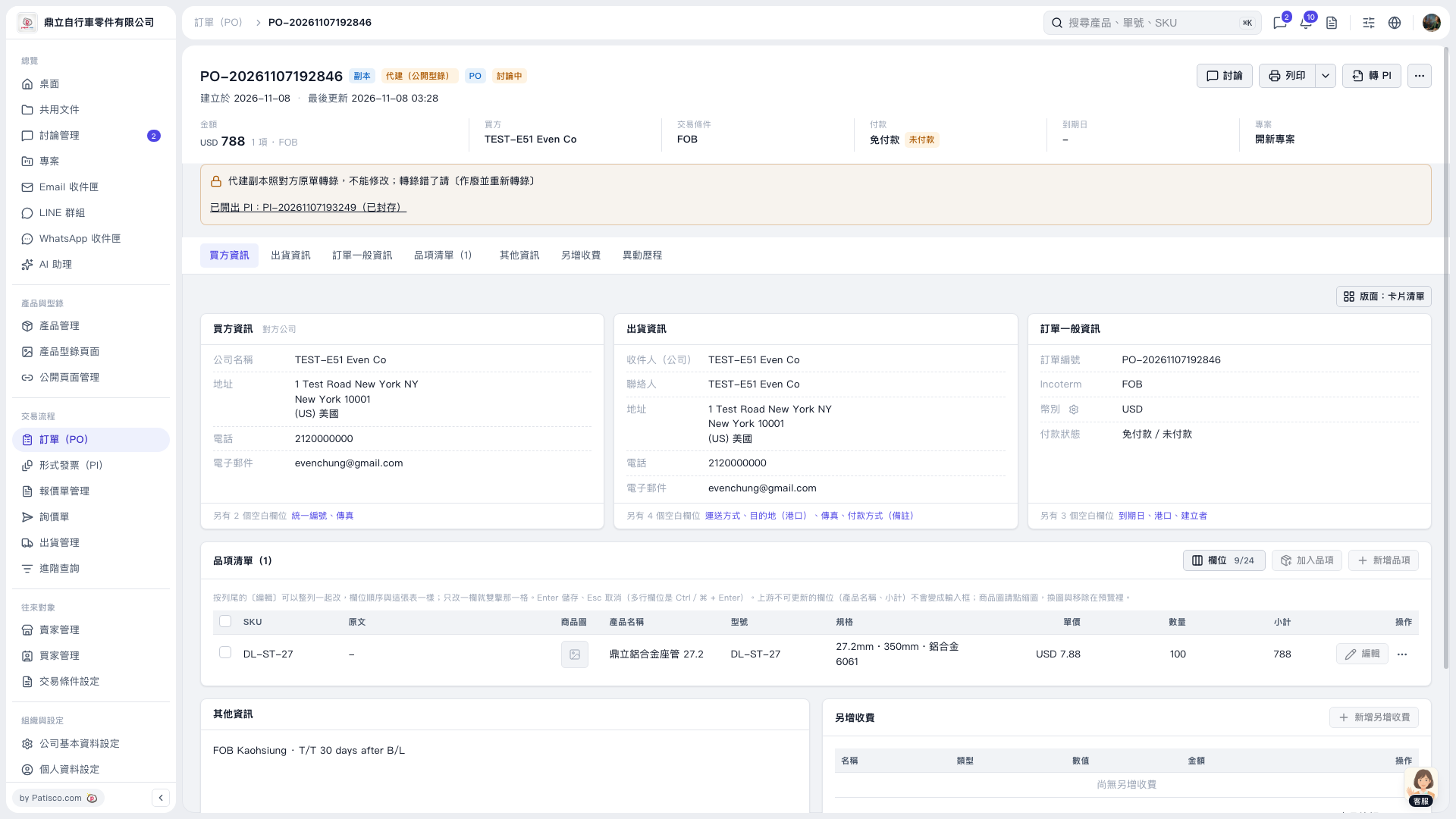
1. On the PO page, check the "PI issued" notice to see the status of the existing PI. 2. Click the PI link in the notice to open the existing Proforma Invoice. If it is archived, the notice shows "Archived." 3. To keep using an archived PI, you must unarchive it after opening it. When you click "Convert to PI," the system also reminds you to open the existing PI and unarchive it. You can issue a new one only if you permanently delete the existing PI.
 V5 新桌面版|PO-20261107192846