
1. Review the candidate tariffs, confidence levels, and classification reasons provided by the AI. You can ask, for example: "Please suggest the tariff for this item." The AI might reply, for example: "This item is a bicycle hub, which is a bicycle part and should be classified under the tariff code for bicycle hubs / freewheel bodies and similar parts." 2. Select a suitable suggestion and click "Apply". The suggestion is filled into "Tariff Code" and "Tariff Description". 3. After checking the content, click "Save" in the dialog to write it to the packing list. If you only click "Apply" and close the dialog without clicking "Save", the existing tariff data will not change.
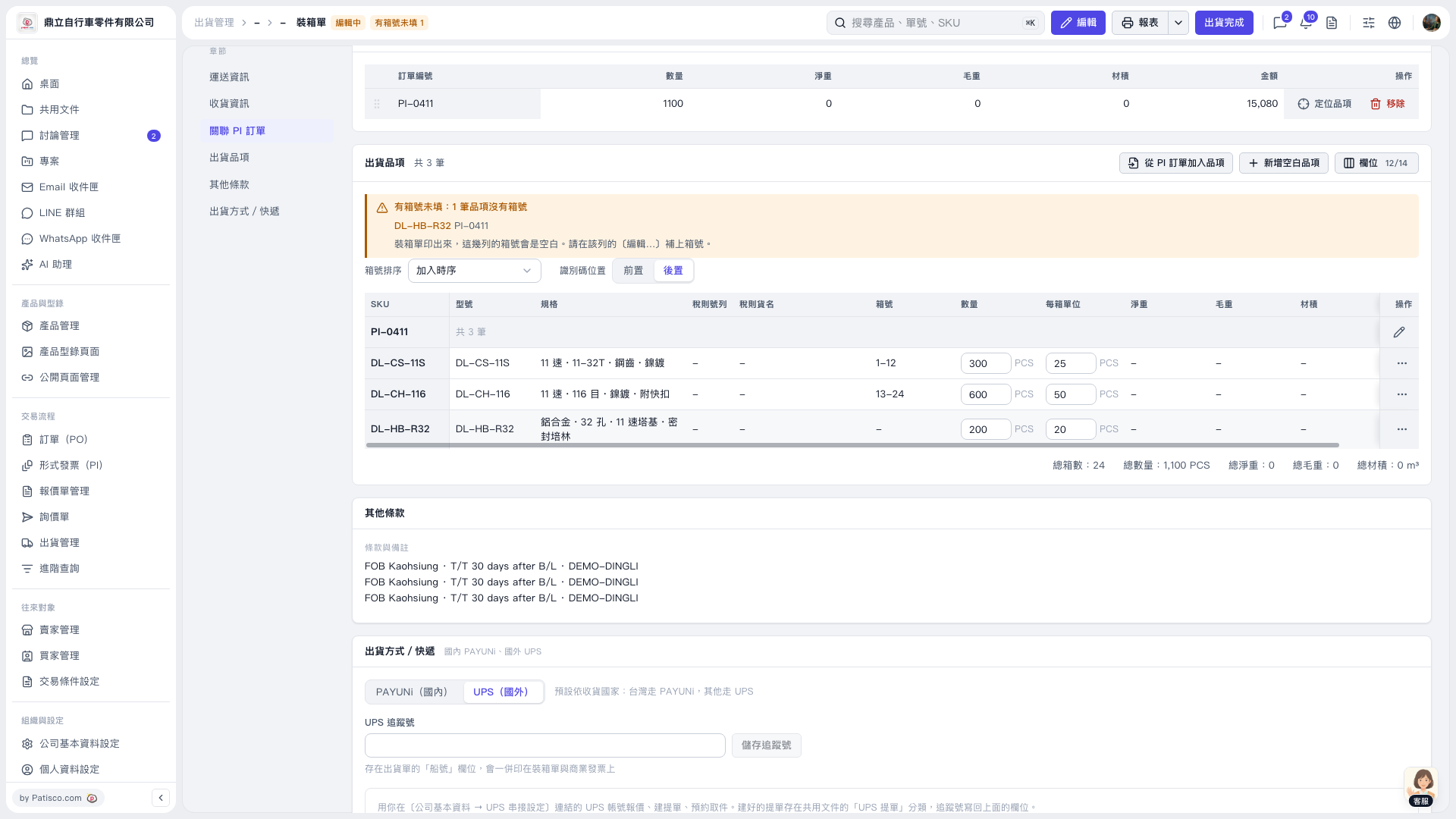 V5 新桌面版|裝箱單