
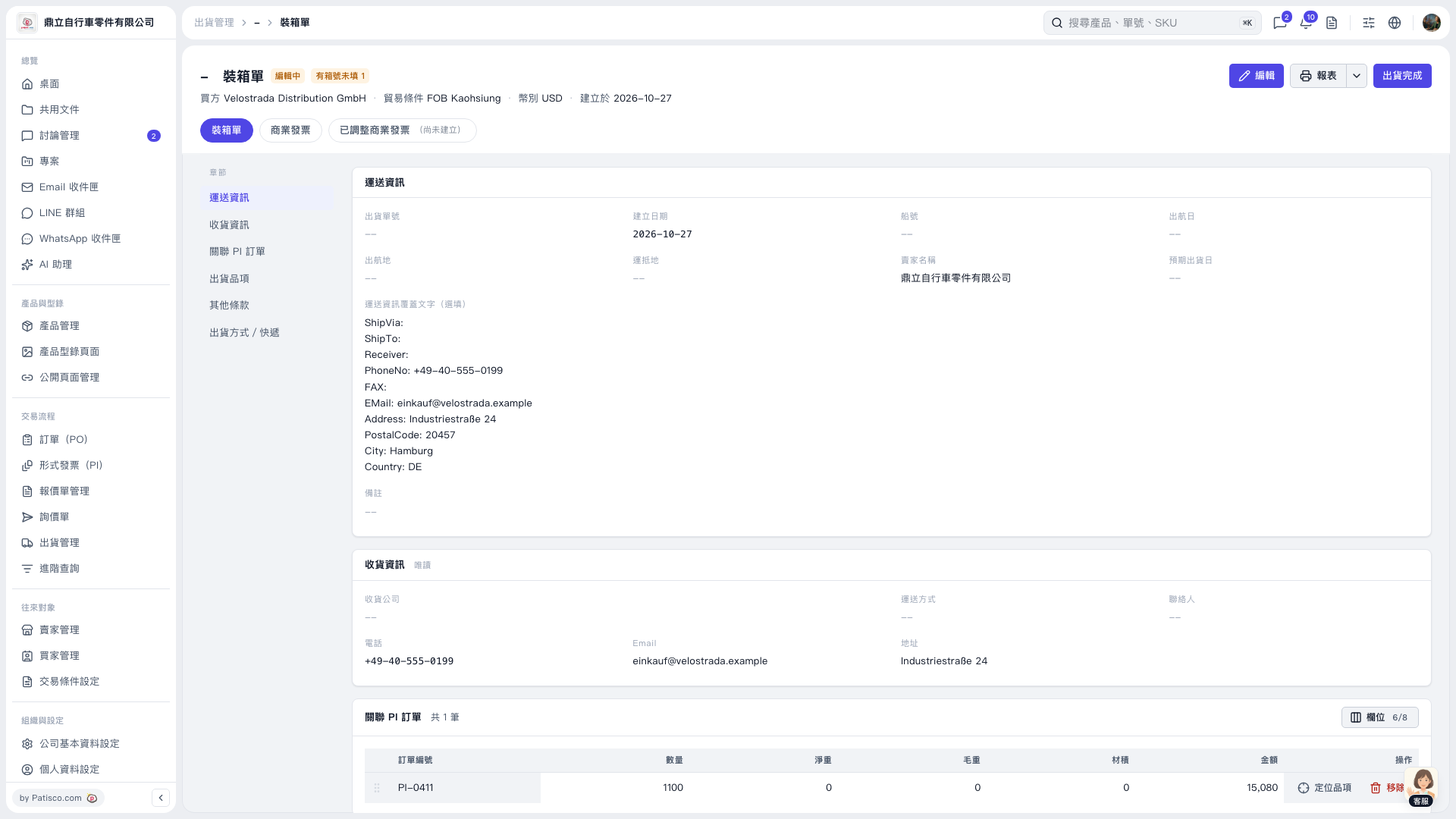
1. On the Packing List page, click [Report] in the upper right to open the print dialog. 2. Make sure [Print tariff code] is checked. It is checked by default; uncheck it if you do not want the tariff code printed. 3. The tariff code is printed on the first line of the "Item name (product description)" column of each item. No extra column is added. Items with no tariff code filled in will not have one printed. 4. If a yellow notice appears saying no item has a tariff code yet, go to Shipping Items, click [Edit...] on the row, and fill in "Tariff code" and "Tariff description". Then open [Report] and print.
 V5 新桌面版|裝箱單