
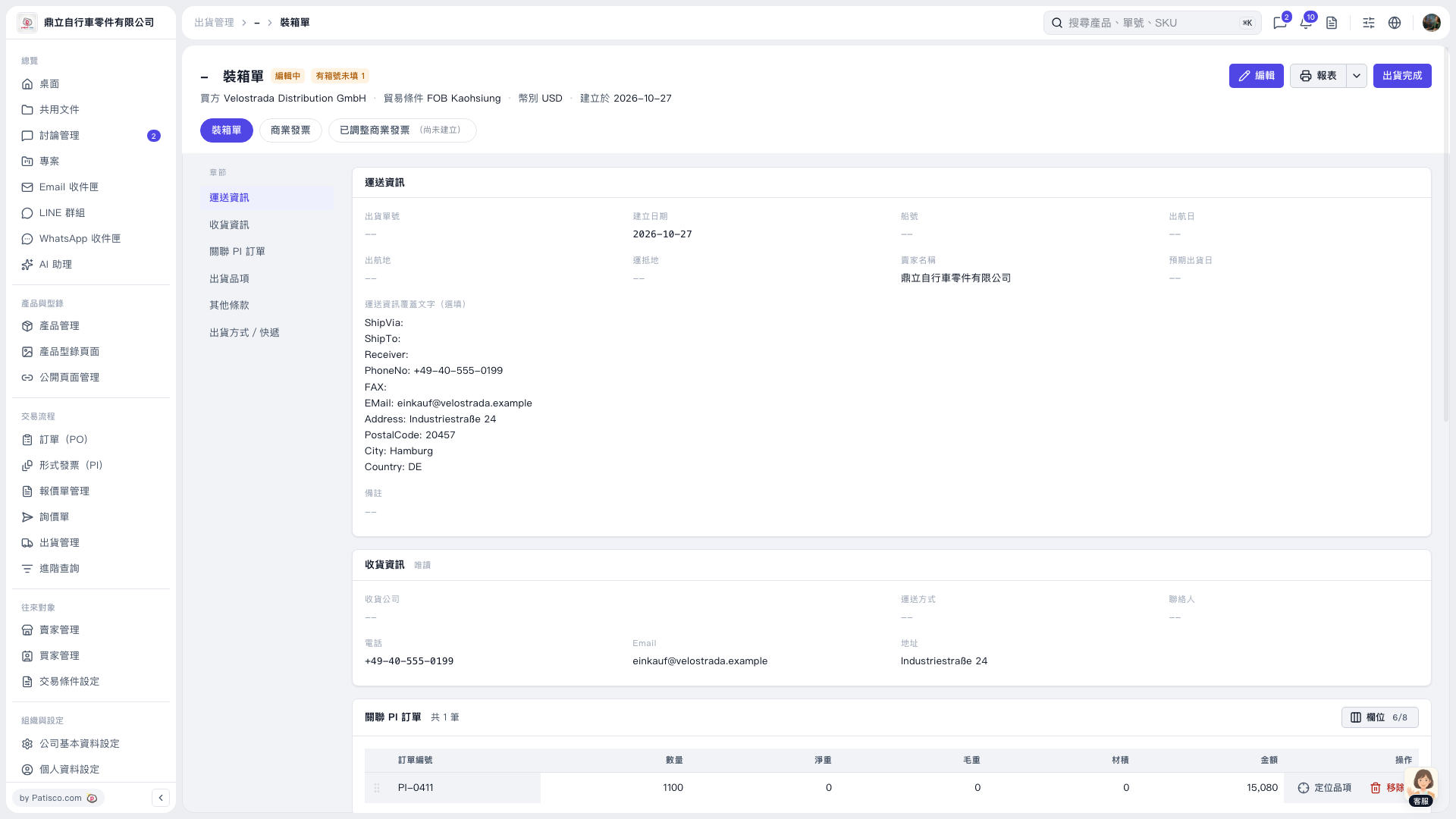
1. Check whether the items have a tariff code filled in. If none of the items do, the system shows a yellow notice explaining that no tariff code will be printed even if the option is checked. 2. Go to Shipping Items, open [Edit...] for the item, and fill in "Tariff code" and "Tariff description". 3. When generating the system native version of the report, make sure [Print tariff code] is checked.
 V5 新桌面版|裝箱單