
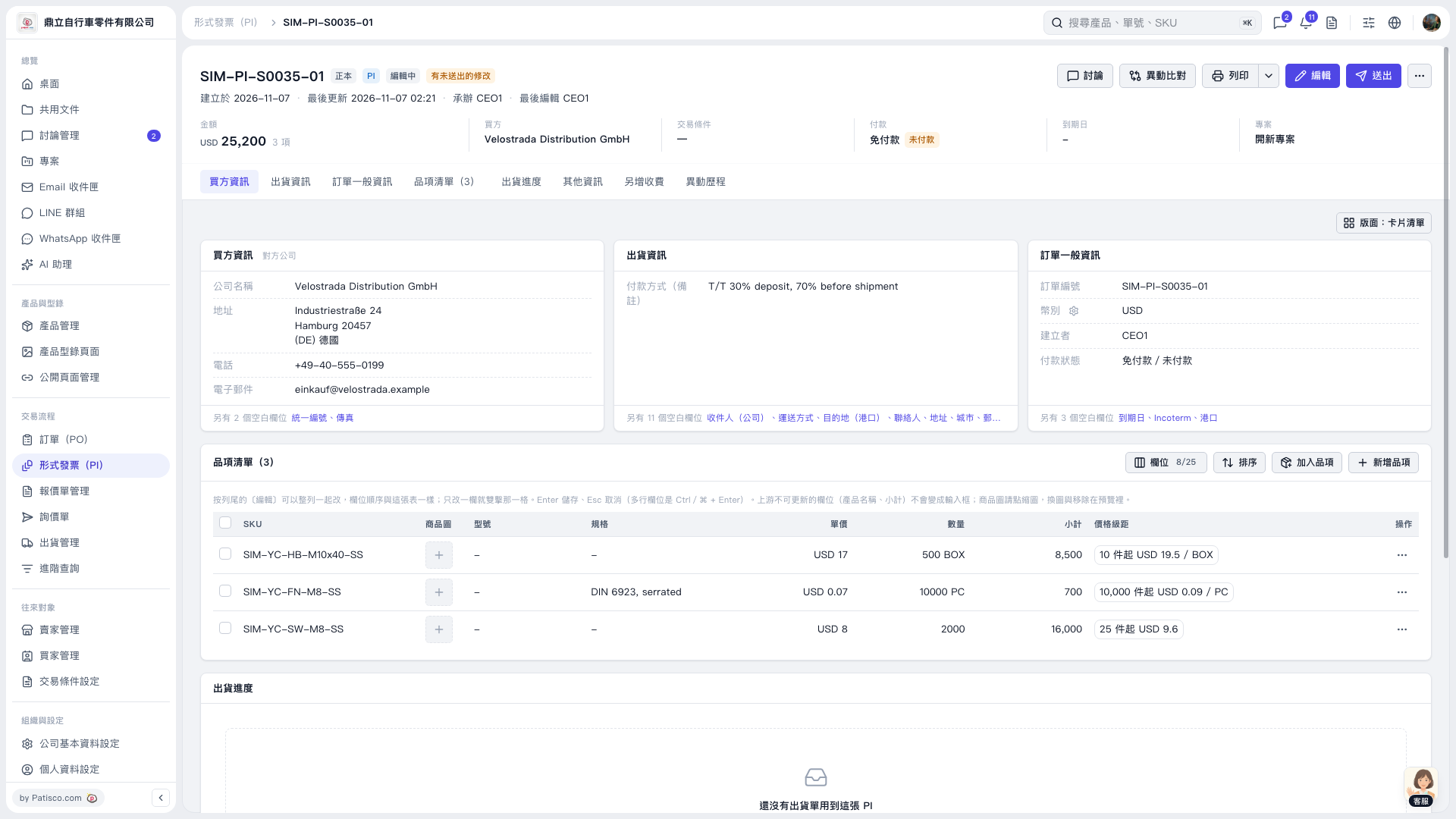
1. Open the Proforma Invoice you want to edit and click "Shipping Information" to see "Payment method (note)". 2. Click "Edit" in the upper right, find "Payment method (note)", and change the content. You can enter up to 50 characters. 3. Click "Save" after editing. If you enter more than 50 characters, a character count notice is shown, and "Maximum 50 characters" appears when you save. Shorten the text and save again. 4. After saving, check the payment method content. When you need to send the Proforma Invoice, click "Send" in the upper right.
 V5 新桌面版|SIM–PI–S0035–01