
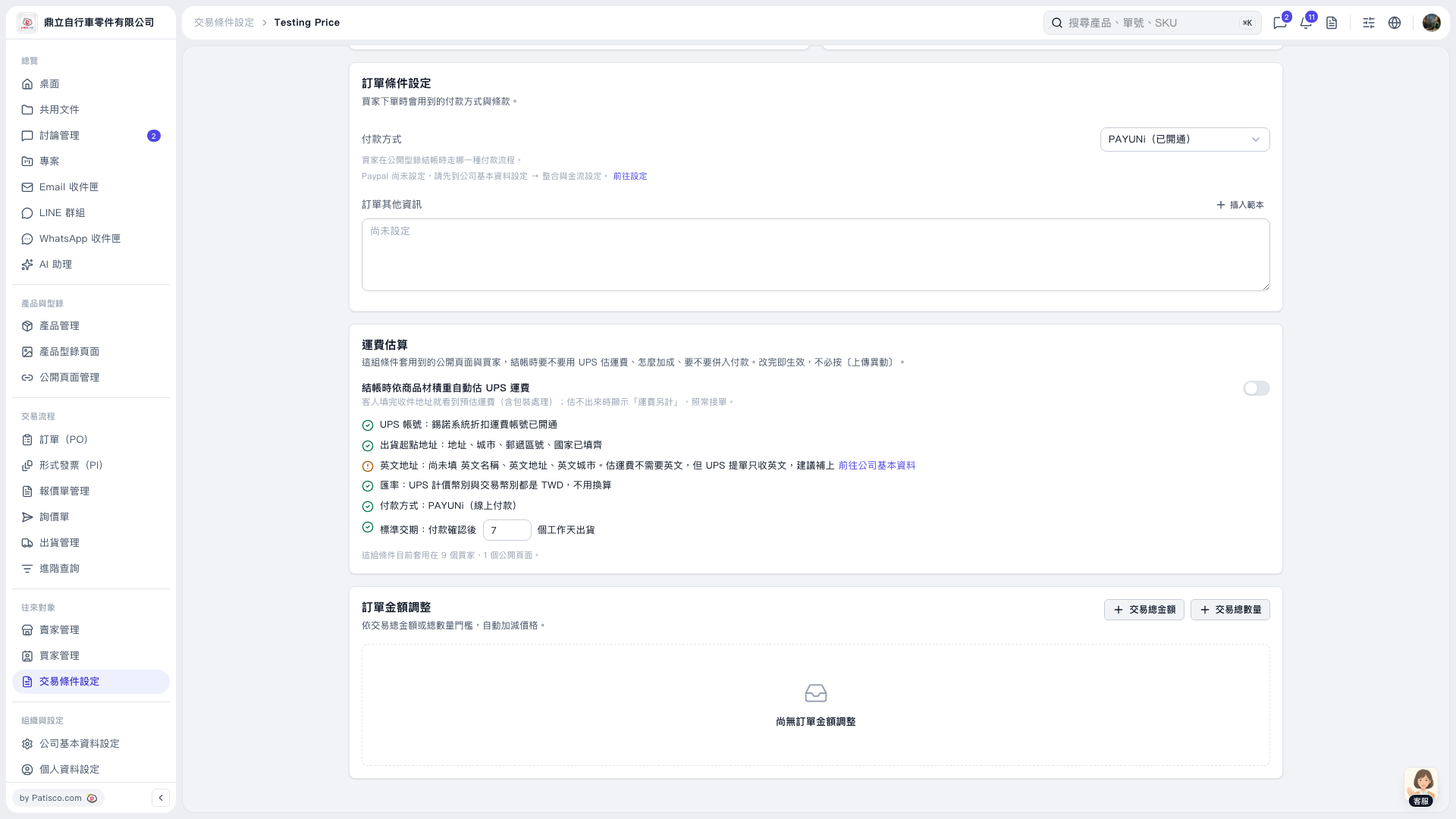
1. In the "Shipping cost estimation" section of the trading conditions, make sure the "UPS account" is activated and the "Shipping origin address" is filled in. 2. Click "Go to Company Profile" and complete the English name, English address, and English city. English information is not required for estimating shipping costs, but UPS waybills accept English only. 3. Check the pricing currency and "Exchange rate", then turn on "Automatically estimate UPS shipping cost at checkout based on product volumetric weight". 4. After buyers fill in the recipient address at checkout, they can see the estimated shipping cost, which includes packaging and handling.
 V5 新桌面版|Testing Price