
1. Open the mobile login page (titled "Login (patisco)"). 2. Enter your account in the "User ID" field. 3. Enter your password in the "Password" field. 4. Tap [Login] to enter the system. While the form is still empty, [Login] appears light blue and disabled. Once both fields are filled in, you can tap it. If you forgot your password, tap [Forgot password?] on the right below the password field to reset it. To change the interface language, tap the globe icon at the top right.
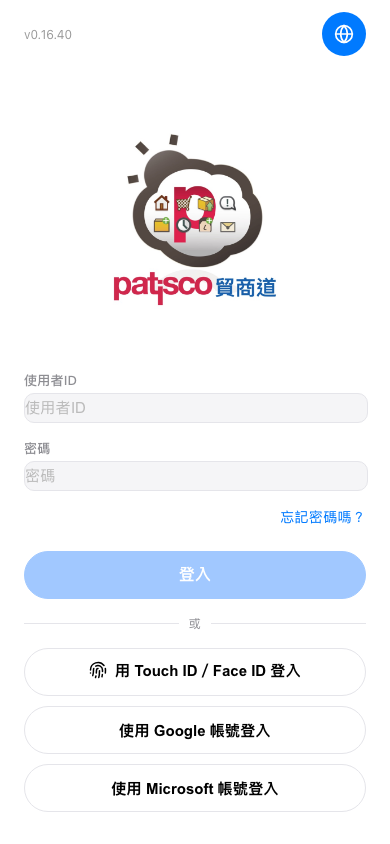 手機版|登入(patisco 貿商道)