
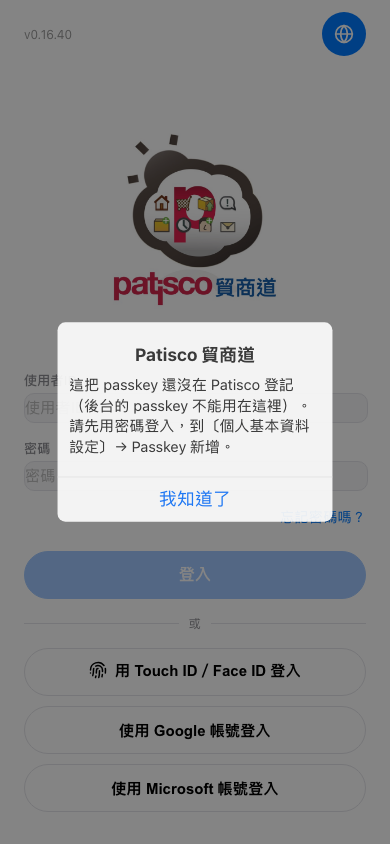
The passkey that can't be used is the one registered in the back office, or a passkey that has already been deleted. On mobile you will see the message "A back office passkey can't be used here," and after you close it you stay on the login page. If you add a passkey in [Personal Profile Settings] on either the desktop version or the mobile version, it works on both, so you don't need to register separately on each. Steps: 1. Tap [Got it] to close the message. 2. Tap [Login] with your username and password. 3. Go to [Personal Profile Settings], tap Add in the Passkey section, and follow the on-screen instructions to complete registration. 4. Next time, tap [Log in with Touch ID / Face ID] on the login page. You can also use [Log in with Google account] or [Log in with Microsoft account] below the login page.
 手機版|Patisco 貿商道 登入(行動版)