
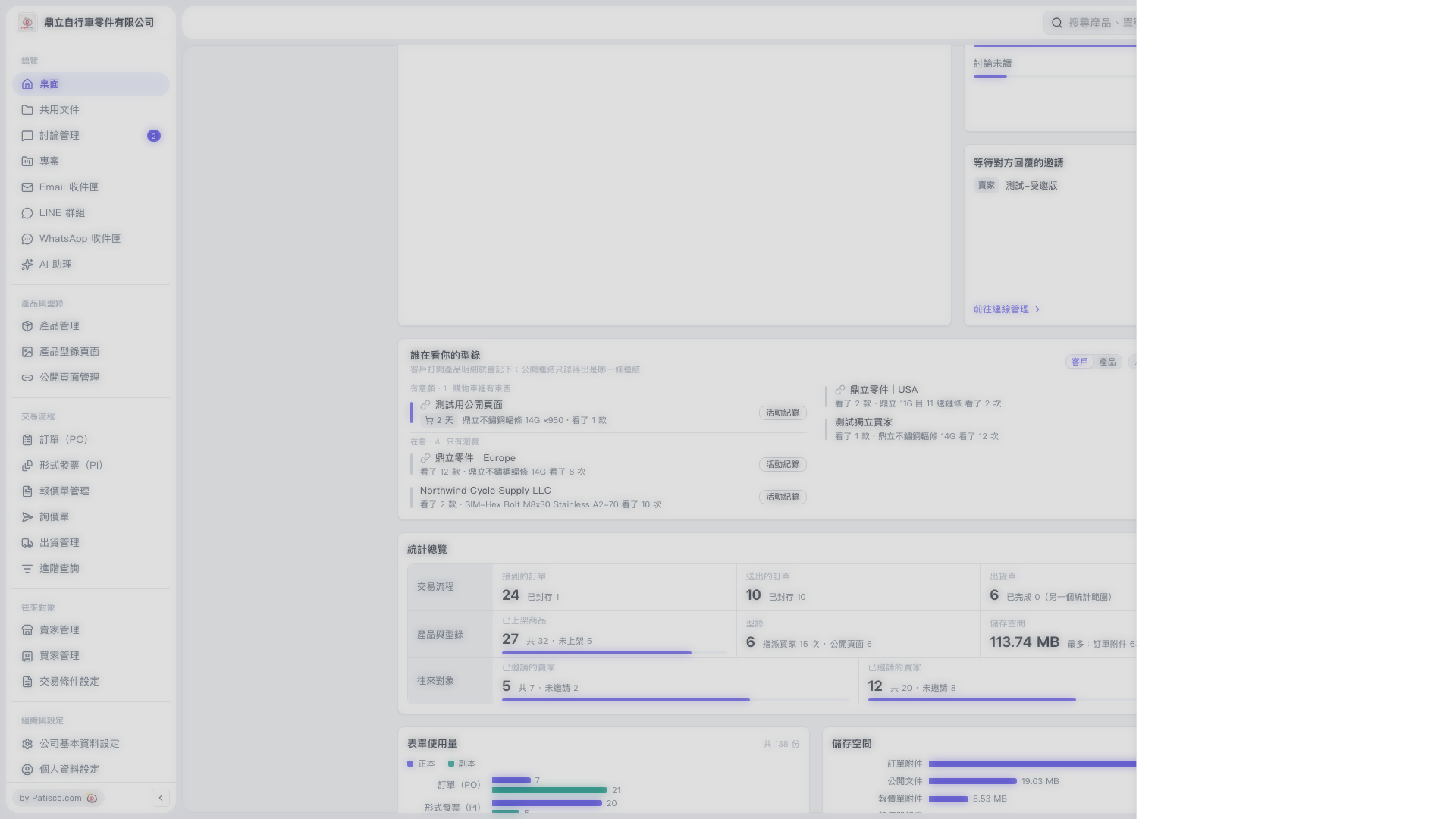
1. After logging in to V5, confirm in the left sidebar that you are on "Dashboard". 2. Find the "Who's viewing your catalog" section. It lists the buyers or public links that are browsing the catalog. 3. To look at it from a different angle, click "Customers / Products" at the top right of the section to switch between the by-customer and by-product views. 4. To see the detailed browsing activity of a specific one, click "Activity log" on the right side of that row.
 V5 新桌面版|桌面(儀表板)