
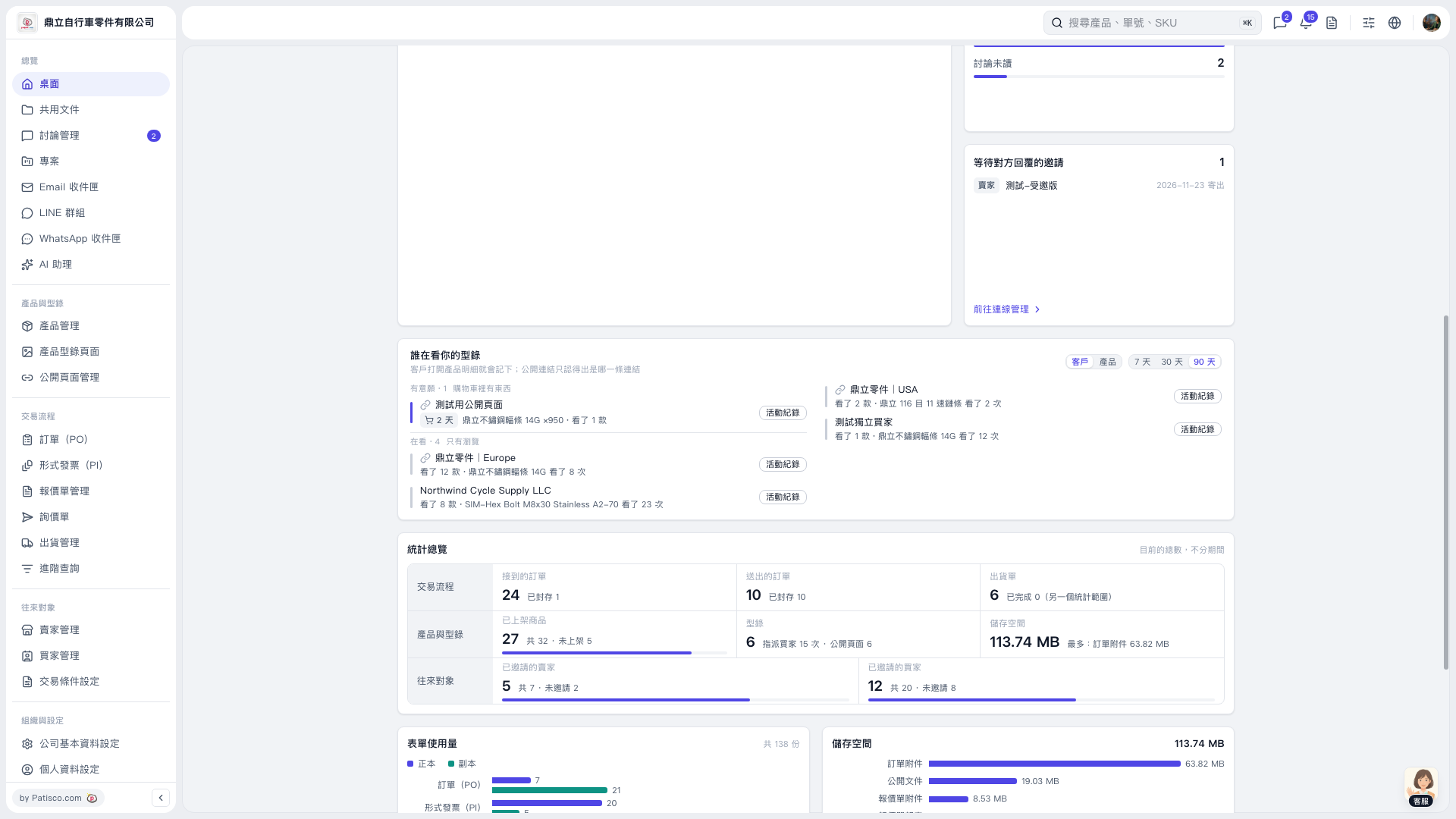
1. Click "Desktop" in the left sidebar to open the dashboard. 2. Scroll down to the "Who's viewing your catalog" card. 3. In the upper right of the card, click "90 days" ("7 days" and "30 days" are also available next to it). The list updates to this range. 4. In the list, check the customers who are "Interested" (items in the cart) and "Viewing" (browsing only). After you change the time range, the number of companies and the view counts also change, so the figures you see for the same catalog over 30 days and over 90 days may differ.
 V5 新桌面版|桌面(儀表板)