
1. Click "Desktop" in the left sidebar. 2. Click "Send a catalog to a customer" in the upper right, next to the welcome heading. 3. Follow the on-screen instructions to complete sending. After it is sent, if the customer opens a product's details in the catalog through the public link, that product's view count increases. In addition, in the upper right of the "Trading countries" card you can switch between "Buyers / Sellers / Viewing catalog" to see statistics by country for each type of partner.
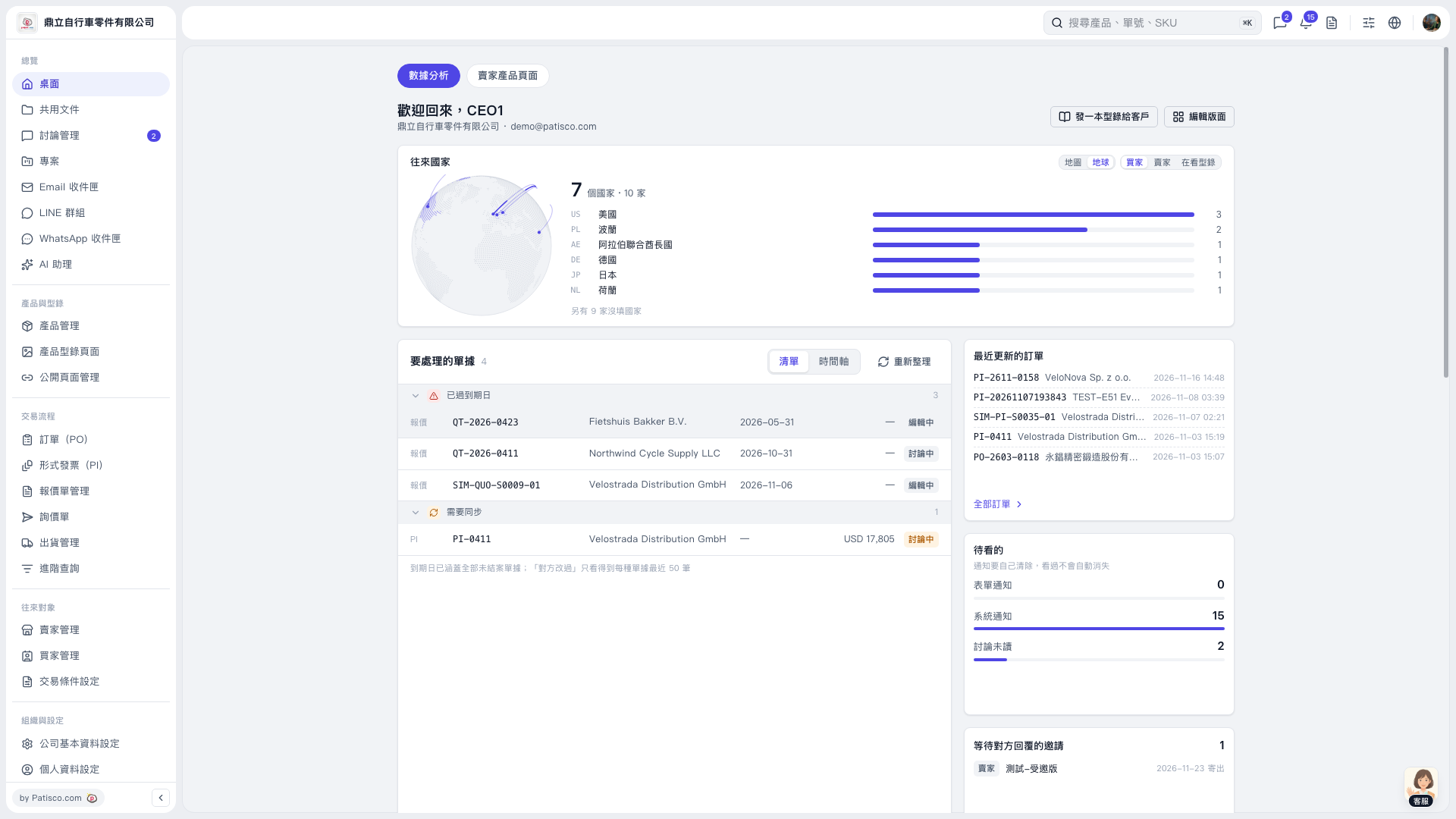 V5 新桌面版|桌面(歡迎回來,CEO1)