
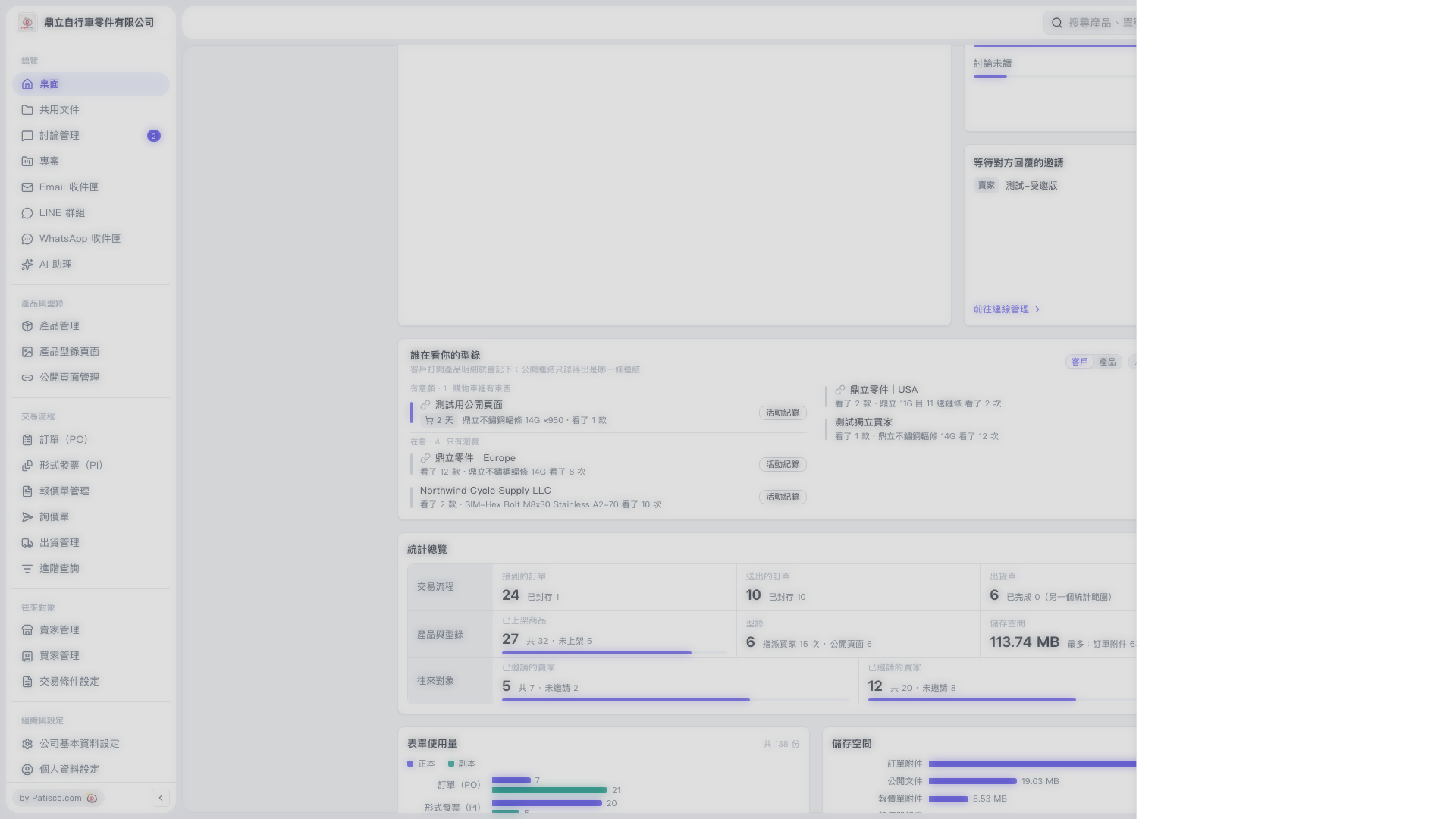
1. In the "Who's viewing your catalog" list on the "Dashboard", find the row of that buyer (or public link). 2. Click "Activity log" on the right side of that row. A drawer opens on the right showing the browsing activity log of that buyer or public link. 3. To manage buyers further, go to "Buyer Management" from "Partners" in the left sidebar. Tip: If the drawer is still blank right after it opens, it may still be loading. Wait a moment and check again.
 V5 新桌面版|桌面(儀表板)