
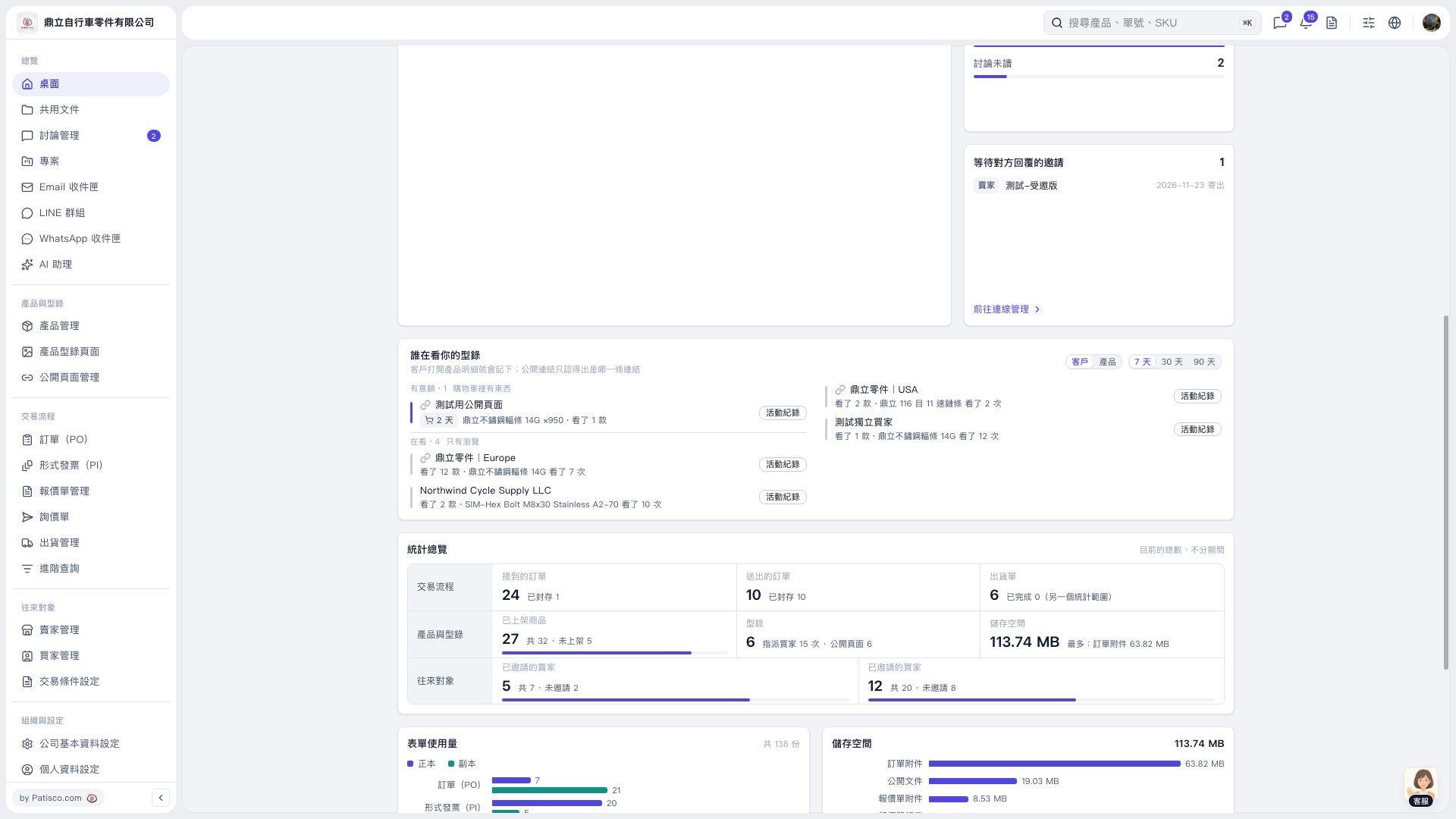
1. On the Desktop (dashboard), find the "Who's viewing your catalog" card. 2. In the upper right of the card, click "7 days", "30 days", or "90 days". 3. After switching, the number of customers on the card (how many are Interested and how many are Viewing) and the view counts are recalculated for the selected period. 4. To view by product instead, select "Products" in the same place and use it together with the time range.
 V5 新桌面版|桌面(總覽儀表板)