
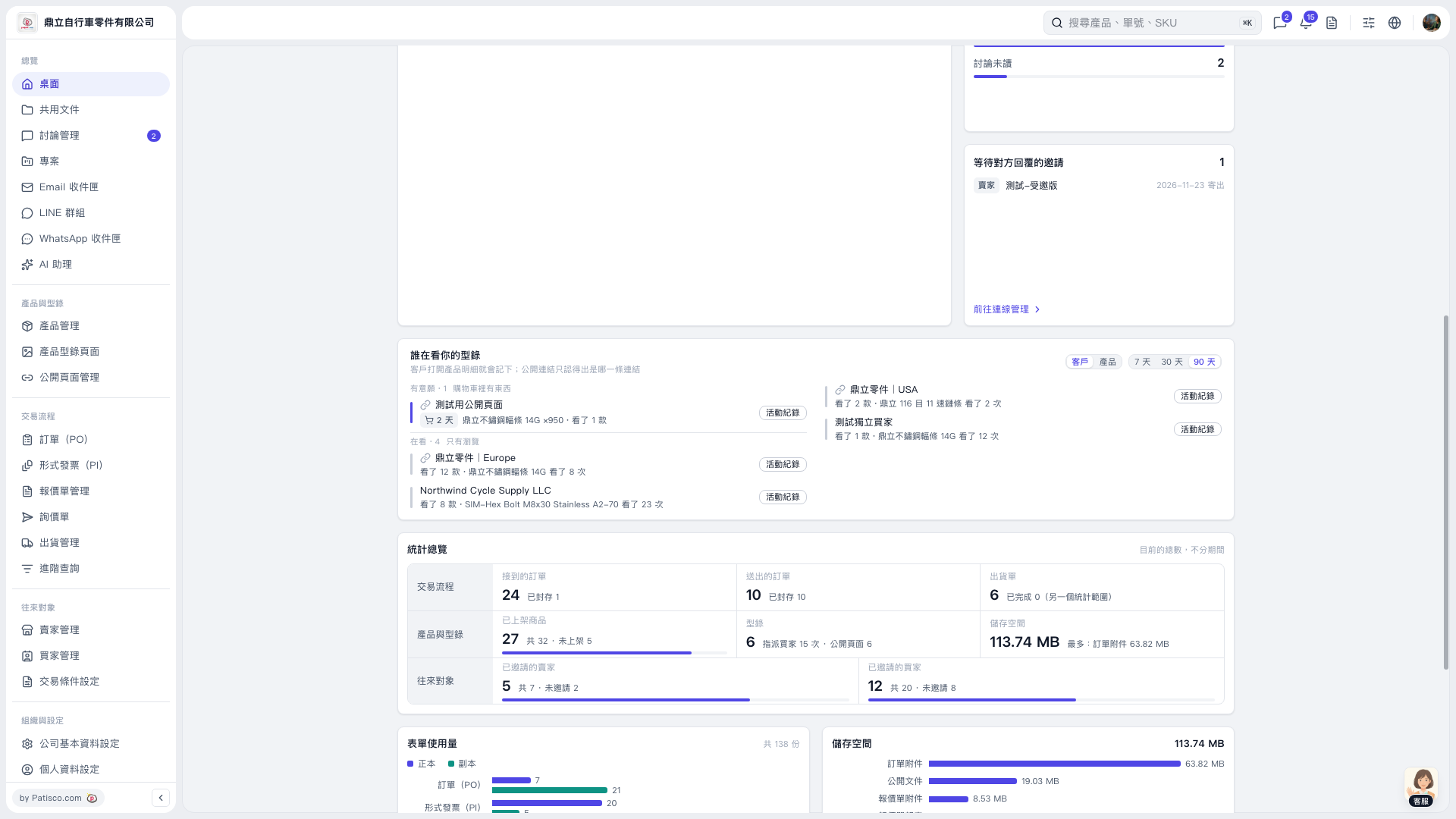
1. In the upper right of the "Who's viewing your catalog" card on the dashboard, choose "Customers" or "Products" to decide which dimension of browsing data to view. 2. To see the detailed browsing behavior of a particular customer or link, click "Activity log" on the right side of that row. 3. To see overall figures for POs, shipping documents, products, and storage, keep scrolling down to "Statistics overview".
 V5 新桌面版|桌面(儀表板)