
1. In [Seller Management], click [Step-by-step invite], select the supplier, then click [Next]. 2. You can choose a language in [Invitation language]. 3. The default invitation email is the "supplier version". Its tone is that you want to buy from them, for example "would like to purchase from your company… please share your catalog with us", asking them to share their catalog with you. It is not written as an invitation to a buyer. 4. Check that the content is correct, then send it. If you leave without sending, the invitation email is not sent. If a prompt appears when you leave, choose [Discard changes] to abandon this edit.
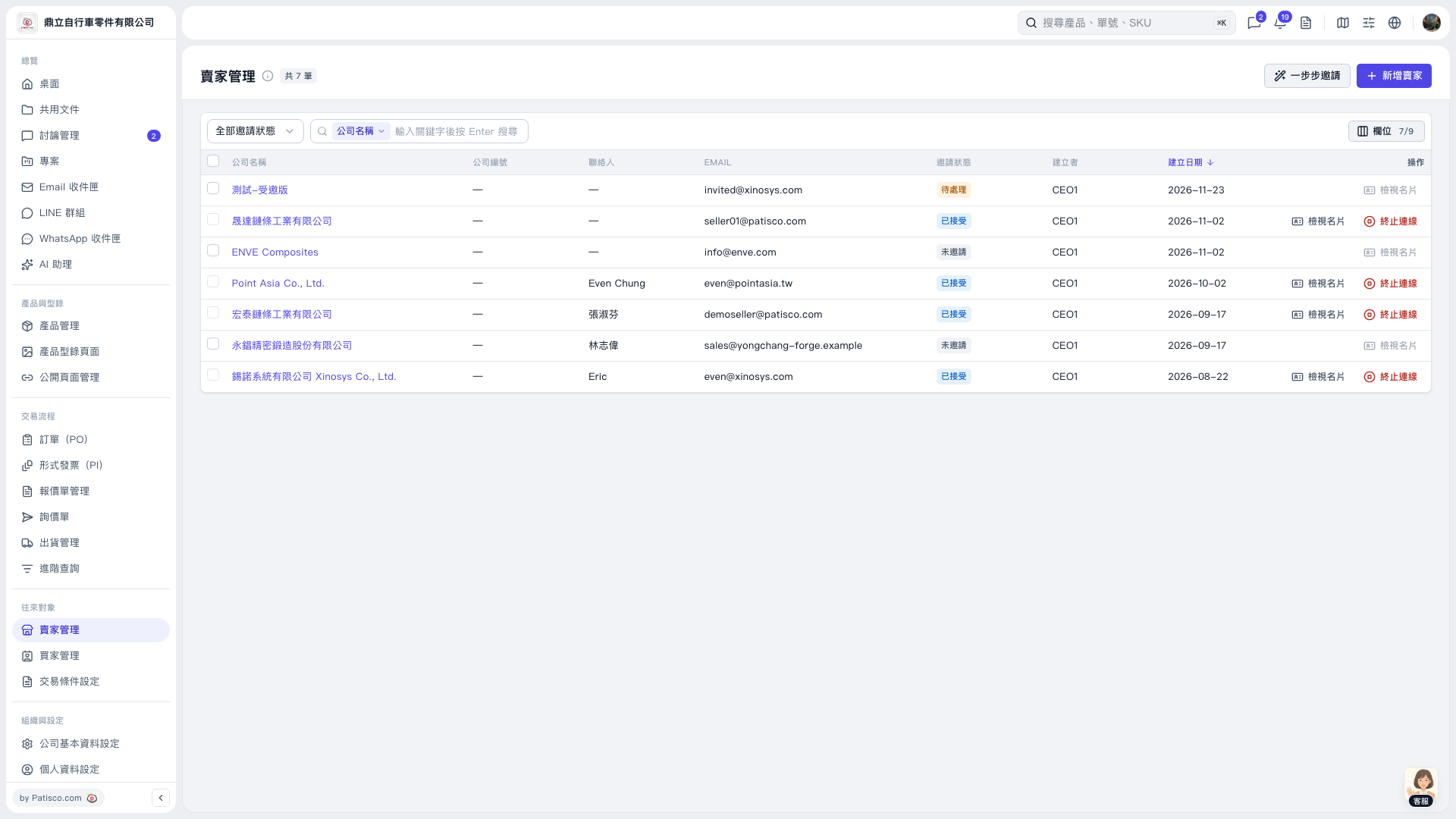 V5 新桌面版|賣家管理