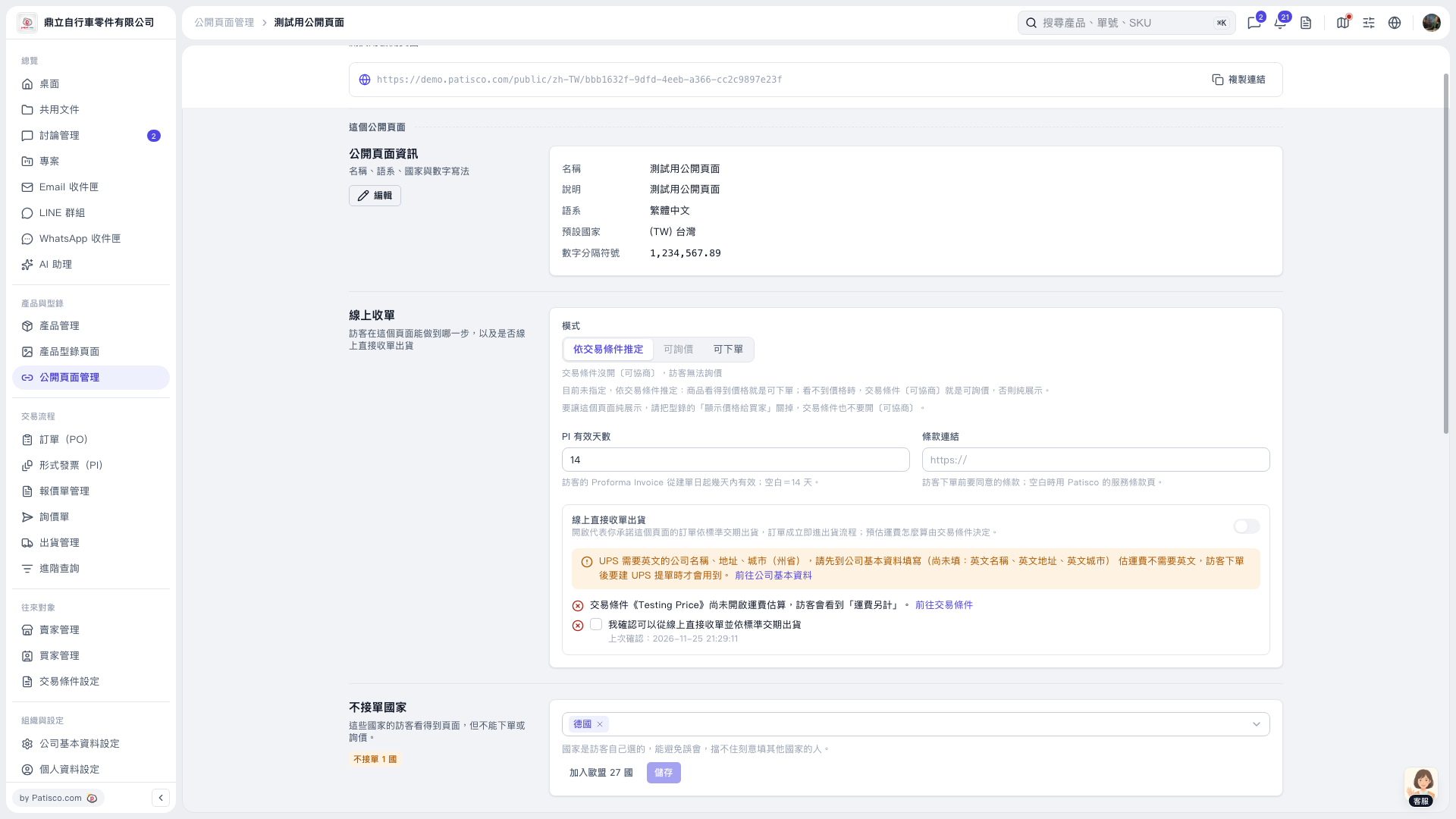
1. Find the "Countries not accepted" section on the public page settings page. 2. Click the × next to the tag for the country you want to unblock to remove it from the list. 3. Click "Save" to save the updated settings.
 V5 新桌面版|測試用公開頁面

1. Find the "Countries not accepted" section on the public page settings page. 2. Click the × next to the tag for the country you want to unblock to remove it from the list. 3. Click "Save" to save the updated settings.
V5 新桌面版|測試用公開頁面