
1. In "Seller Management", open the details page for the seller you want to view. 2. Scroll down to the "Trading Conditions" section. Under "Quotation Terms" at the bottom, view "Currency", "Trade Terms", and "Payment Method". These terms are set by the seller and are view-only. 3. To confirm the terms with the seller, click "Open in WhatsApp" next to the phone number on the contact card to contact them.
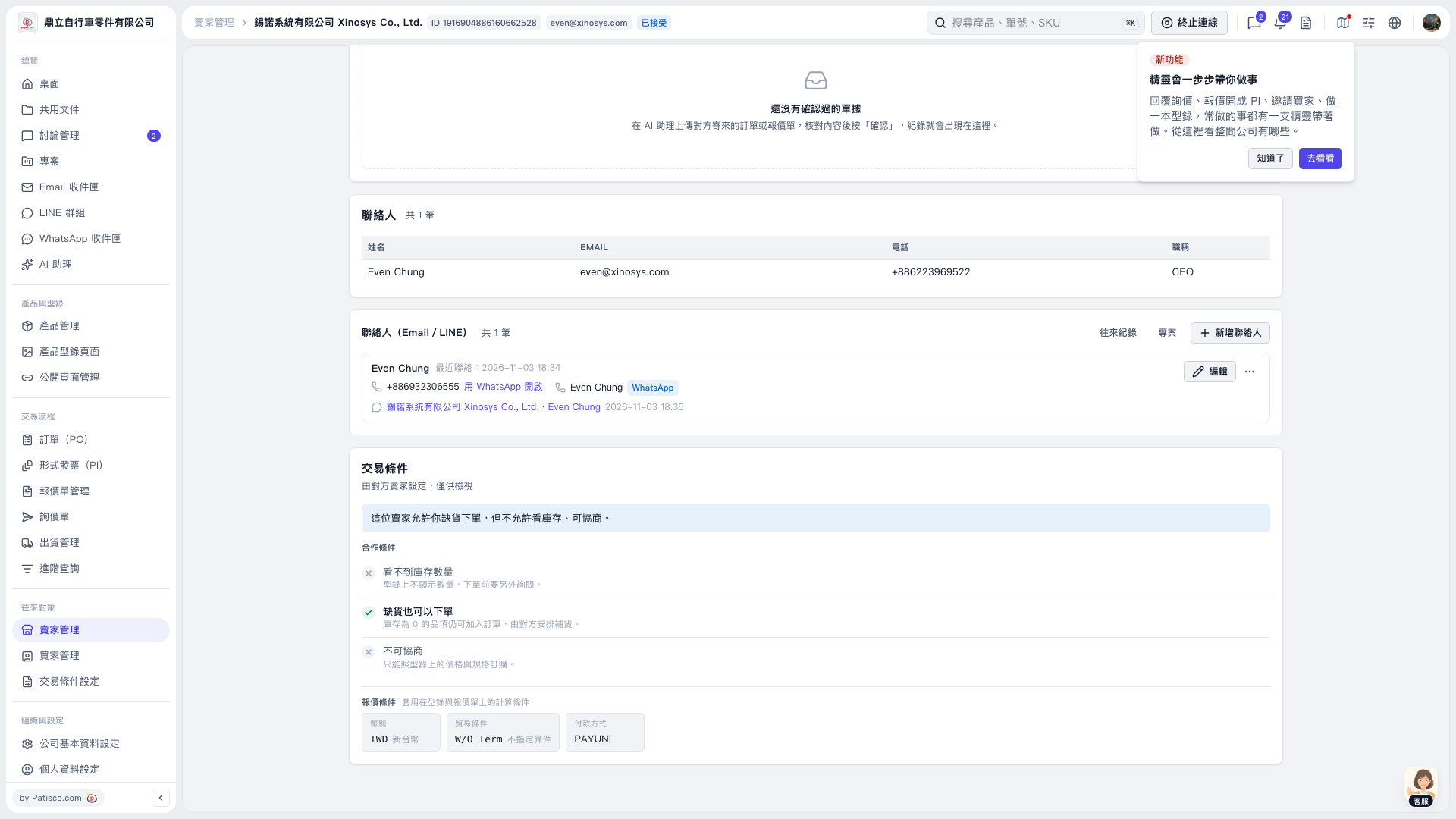 V5 新桌面版|錫諾系統有限公司 Xinosys Co., Ltd.