
1. In the left sidebar, click “Proforma Invoice (PI)” under “Trade Flow.” 2. Make sure the “Sent (PI)” tab above the list is selected. This tab contains the PIs you have issued. “Received (PI)” contains the PIs you have received. 3. To find a specific PI, enter a PO number or keyword in the search field and press Enter, or click “Filters” to the right of the search field to narrow down the list. 4. To change the columns displayed in the table, click “Columns” at the upper right. To export the list data, click the download icon at the far right. 5. To view or edit a PI, click its PI number in the list to open the details page.
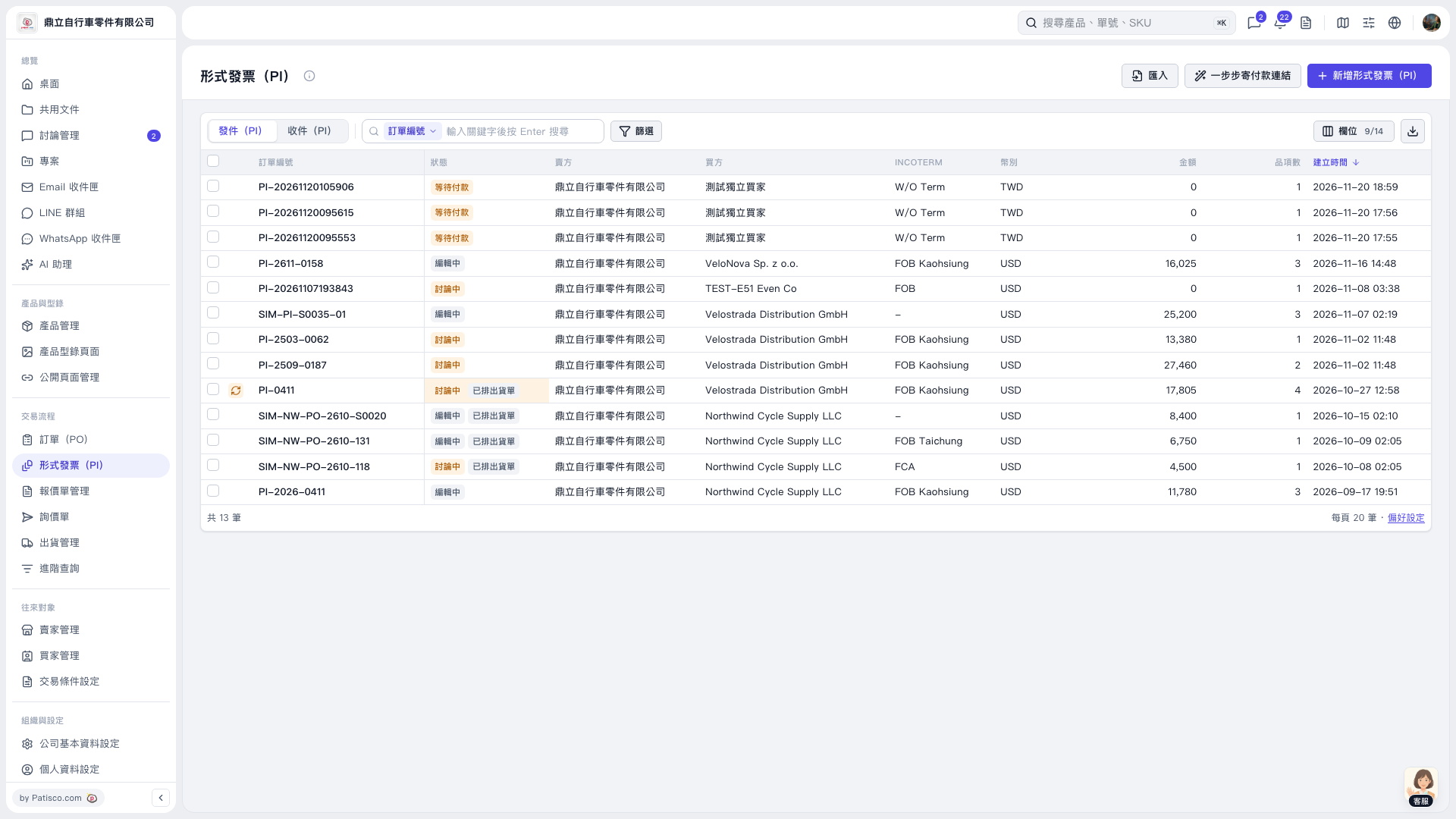 V5 新桌面版|形式發票(PI)